
Description
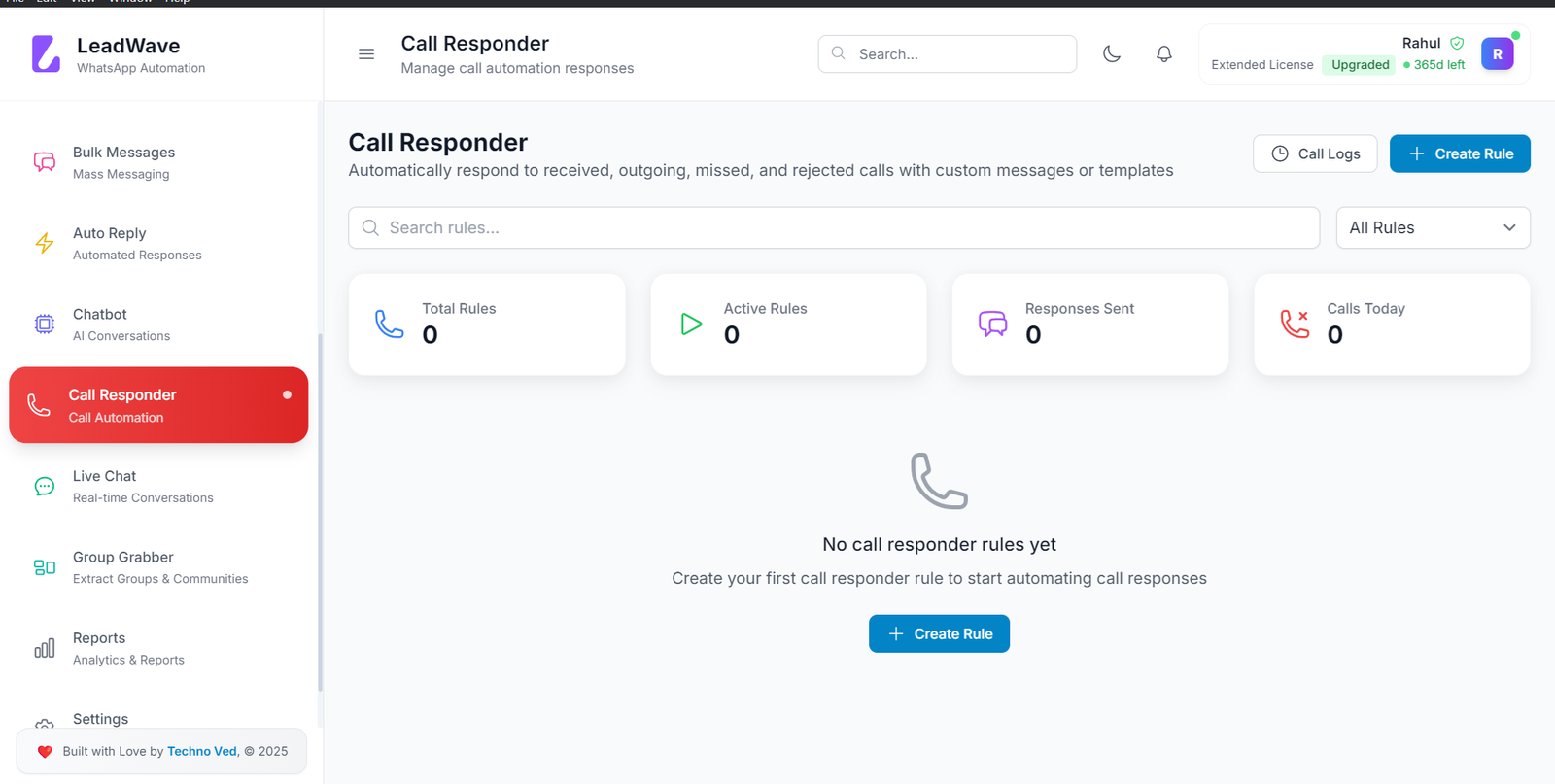
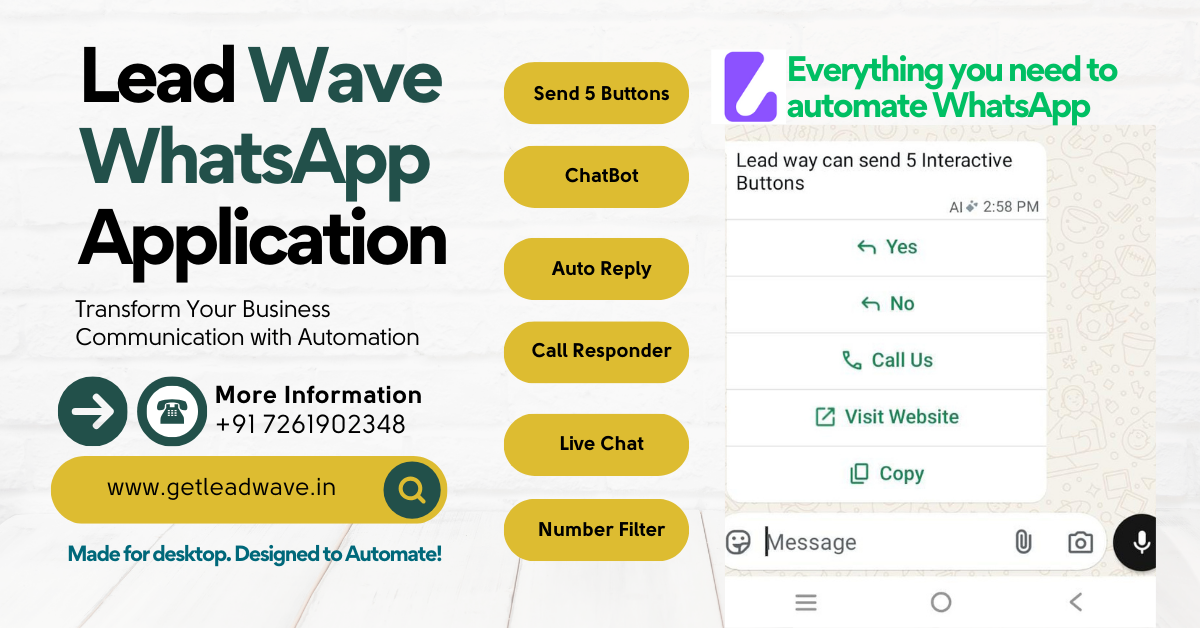
LeadWave WhatsApp marketing tools represent the pinnacle of business communication automation—a comprehensive Windows-based platform designed to transform how organizations connect with customers through the world’s most popular messaging application.
With over 2 billion active WhatsApp users and message open rates exceeding 98%, businesses can no longer afford to ignore this channel. However, managing high-volume communication while maintaining authenticity presents significant challenges. LeadWave WhatsApp marketing tools solve this dilemma by providing enterprise-grade automation capabilities in an intuitive, accessible desktop application.
Whether you’re a digital marketing agency managing multiple client accounts, an e-commerce business processing customer inquiries, or a sales team nurturing leads, LeadWave delivers the infrastructure needed to scale WhatsApp communication without sacrificing the personal touch that drives engagement.
Why Choose LeadWave WhatsApp Marketing Tools?
In a market flooded with messaging solutions, LeadWave WhatsApp marketing tools distinguish themselves through thoughtful design, robust feature sets, and unwavering commitment to user success:
| Advantage | Benefit |
|---|---|
| All-in-One Platform | Replace multiple tools with one comprehensive solution |
| Anti-Ban Technology | Built-in safeguards protect your WhatsApp accounts |
| AI-Powered Intelligence | Smart automation that understands context |
| Multi-Device Architecture | Manage unlimited accounts from one dashboard |
| Data-Driven Analytics | Make decisions based on real performance metrics |
| Cost-Effective Pricing | Enterprise features at small business prices |
Core Features
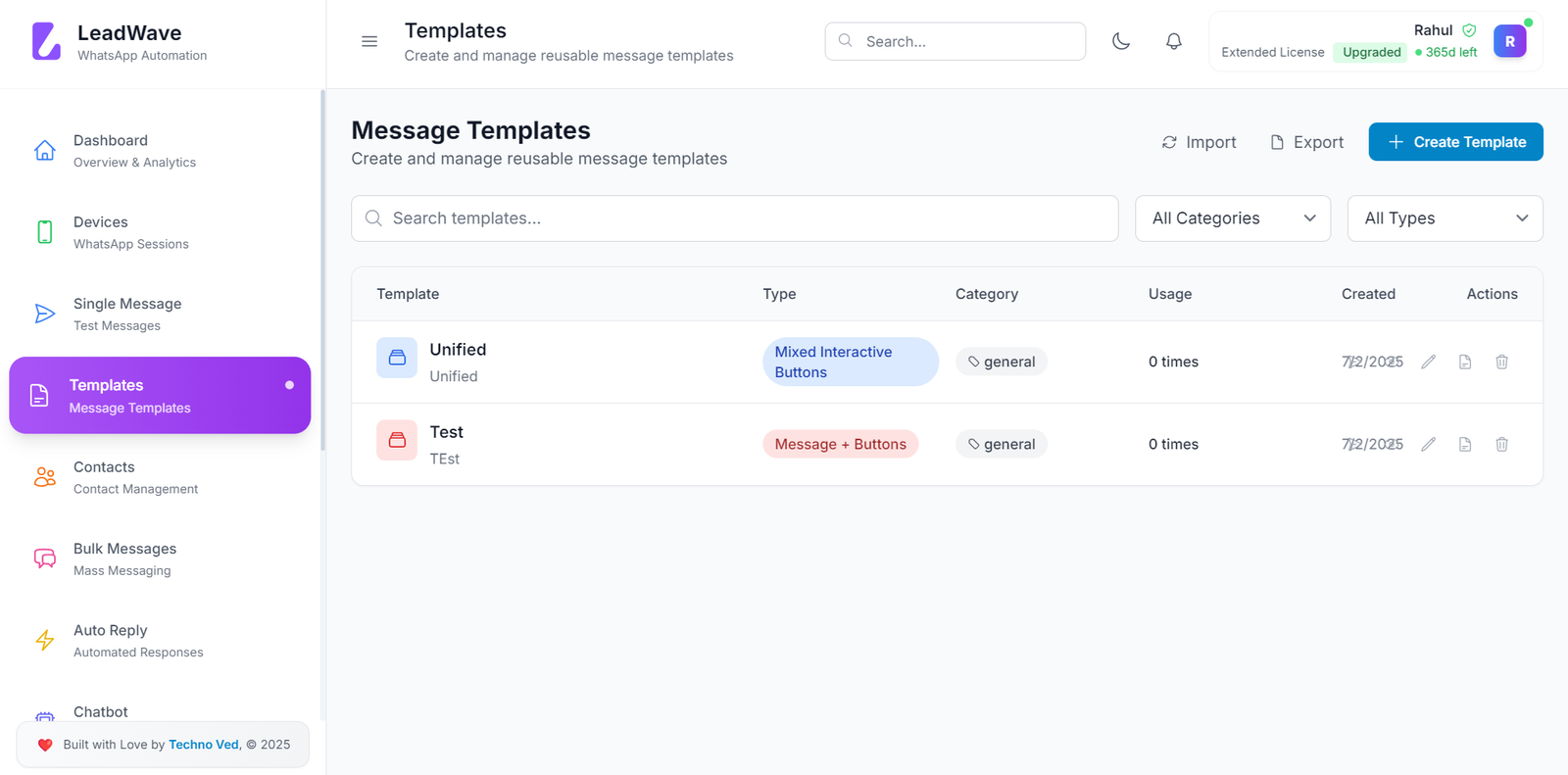
📨 Bulk WhatsApp Messaging with Personalization
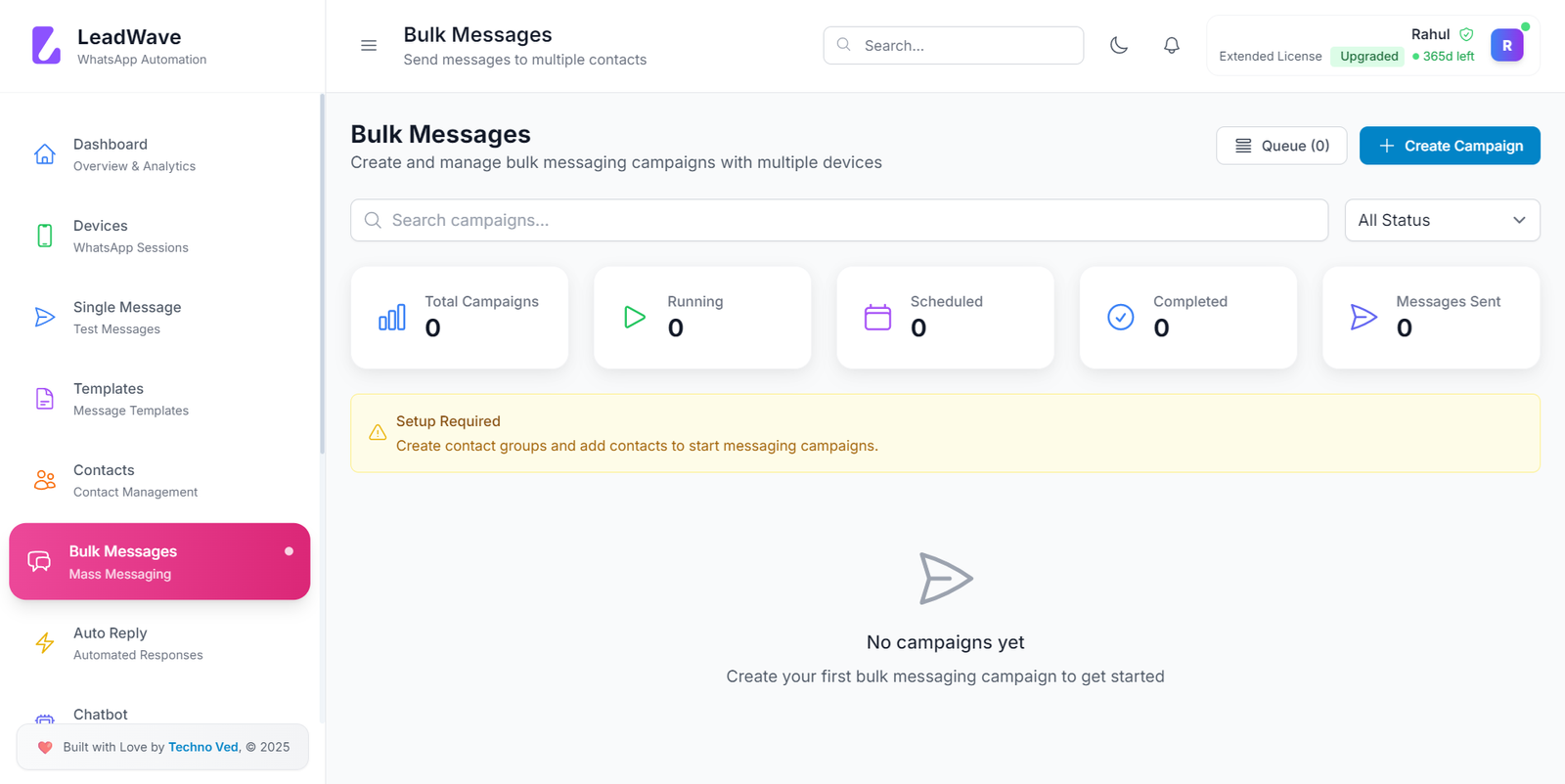
The heart of LeadWave WhatsApp marketing tools lies in its sophisticated bulk messaging engine. Unlike basic senders that risk account restrictions through aggressive, impersonal blasts, LeadWave enables nuanced, personalized communication at scale.
Key Capabilities:
-
Send thousands of messages simultaneously from a single interface
-
Dynamic variable insertion (
{first_name},{company},{custom_field}) -
Configurable delays (20-60 seconds) to prevent flagging
-
Media attachments: images (5MB), videos (16MB), documents (100MB)
-
Message scheduling for optimal delivery times
-
Delivery confirmation and read receipt tracking
Example Personalization:
Template: "Hi {first_name}, thanks for your interest in {product} at {company}!"
Result: "Hi Sarah, thanks for your interest in Enterprise Plan at TechCorp!"
AI Chatbot for 24/7 Customer Engagement
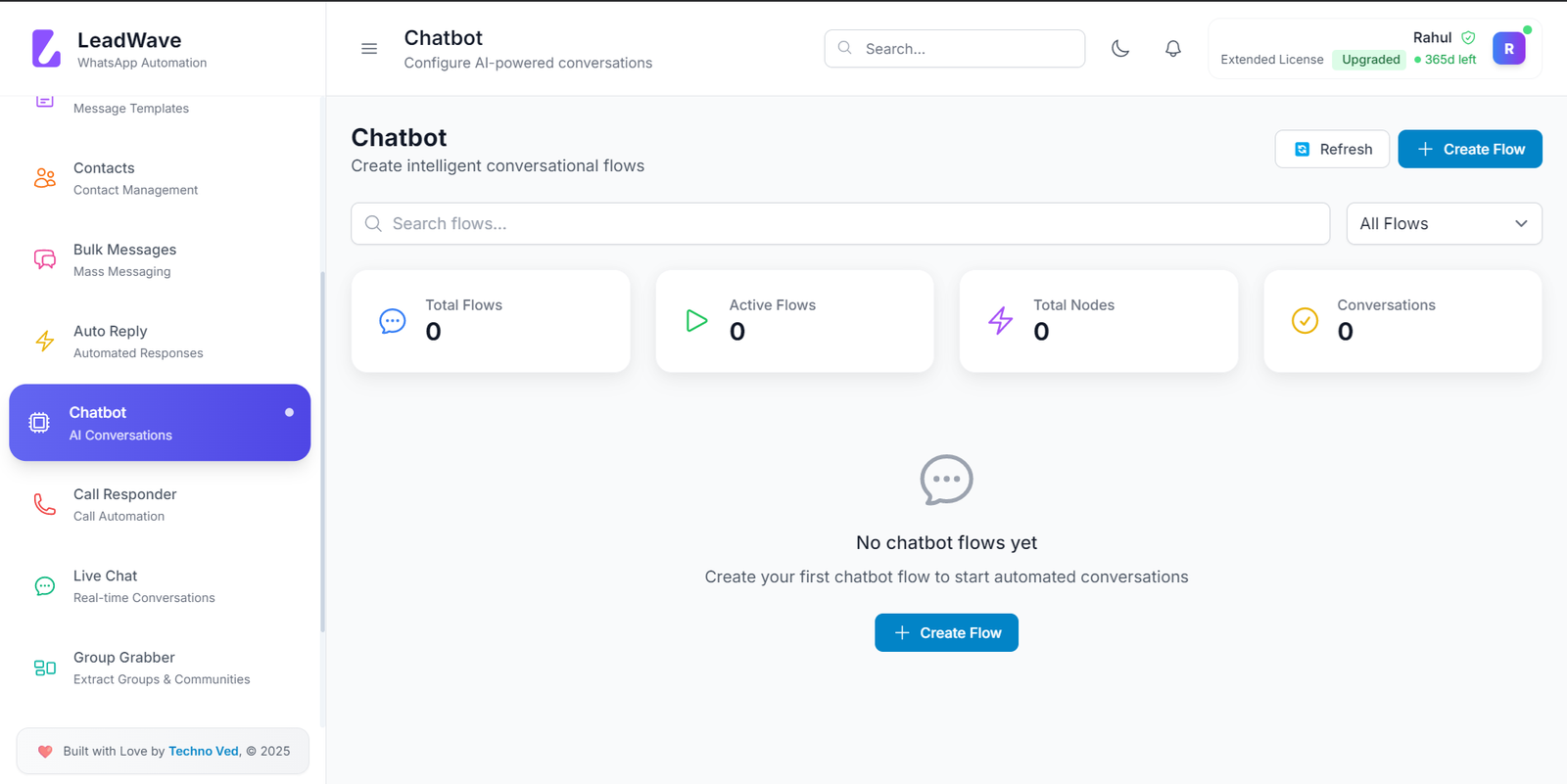
The integration of advanced artificial intelligence sets LeadWave WhatsApp marketing tools apart from conventional automation software. Powered by cutting-edge language models, the AI chatbot delivers human-like conversations that genuinely assist customers while reducing staff workload.
Intelligent Automation Features:
-
Natural language understanding for contextual responses
-
24/7 availability for instant customer support
-
Lead qualification and routing to appropriate team members
-
FAQ handling with continuous learning capabilities
-
Multi-language support for global businesses
-
Seamless human handoff with conversation history preserved
Multi-Device Management
For agencies and businesses operating multiple WhatsApp accounts, LeadWave WhatsApp marketing tools provide essential infrastructure. Connect and manage an unlimited number of devices from a single, organized dashboard.
Multi-Account Benefits:
-
Centralized control for all business numbers
-
Independent status monitoring per device
-
Segregated contact databases for different clients/brands
-
Simultaneous campaign execution across accounts
-
Device-specific analytics and performance tracking
Advanced Contact Management
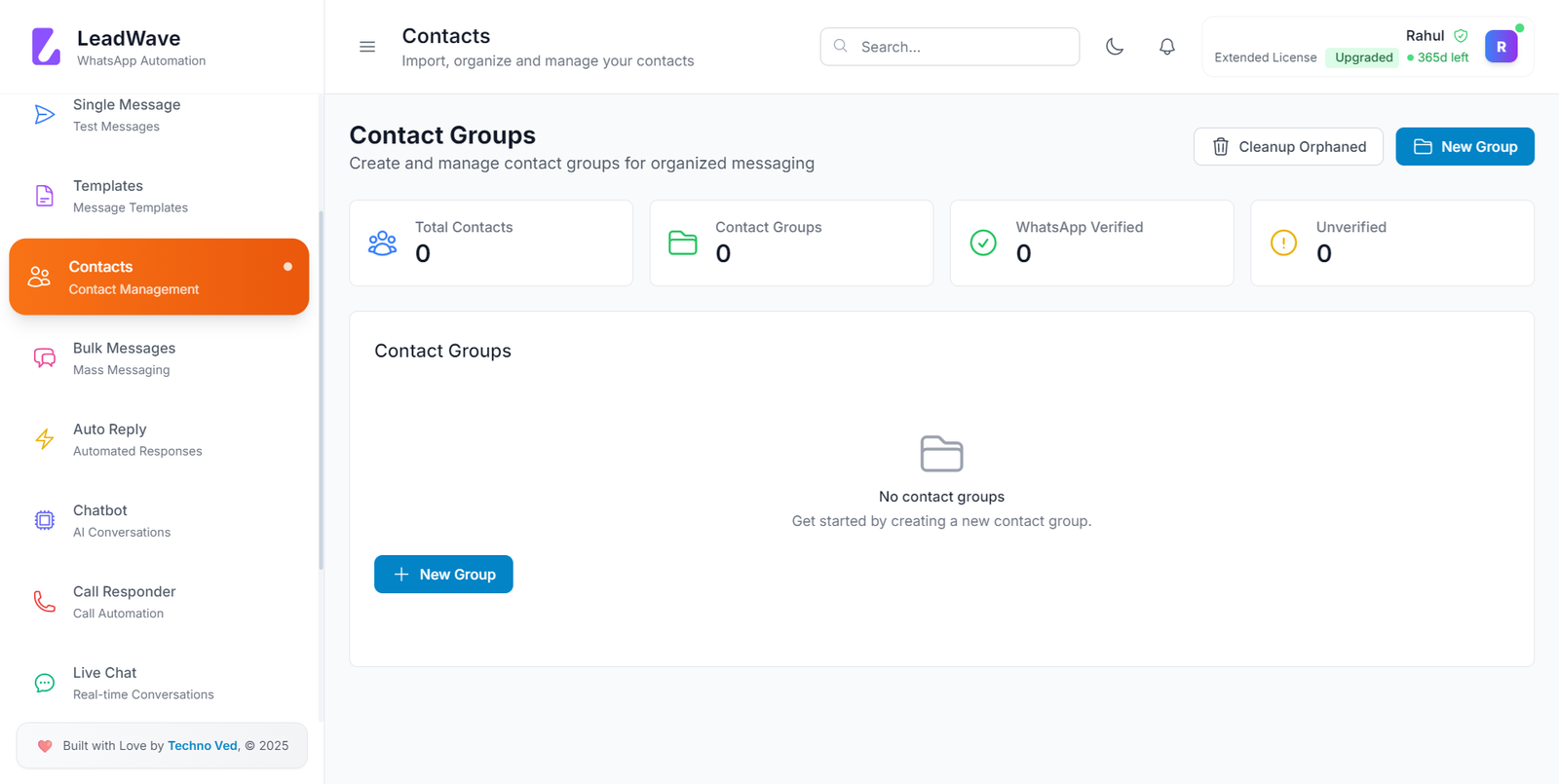
Effective marketing requires organized data. LeadWave WhatsApp marketing tools transform contact lists from static spreadsheets into dynamic, actionable assets.
Contact Management Features:
-
Import from CSV/Excel with field mapping
-
Sync contacts directly from connected WhatsApp devices
-
Extract members from WhatsApp groups
-
Custom fields for any business-specific data
-
Tagging and segmentation for targeted campaigns
-
Duplicate detection and removal
-
Opt-out management with automatic exclusion
Number Warmer & Anti-Ban Protection
Account safety represents a primary concern for WhatsApp automation users. LeadWave WhatsApp marketing tools address this through sophisticated protective features:
Safety Mechanisms:
-
Automated conversation simulations between your devices
-
Gradual sending volume increases to build reputation
-
Configurable daily limits per device (500-1000 recommended)
-
Intelligent delay management between messages
-
Spam trigger word detection and warnings
-
Proxy management for enhanced privacy
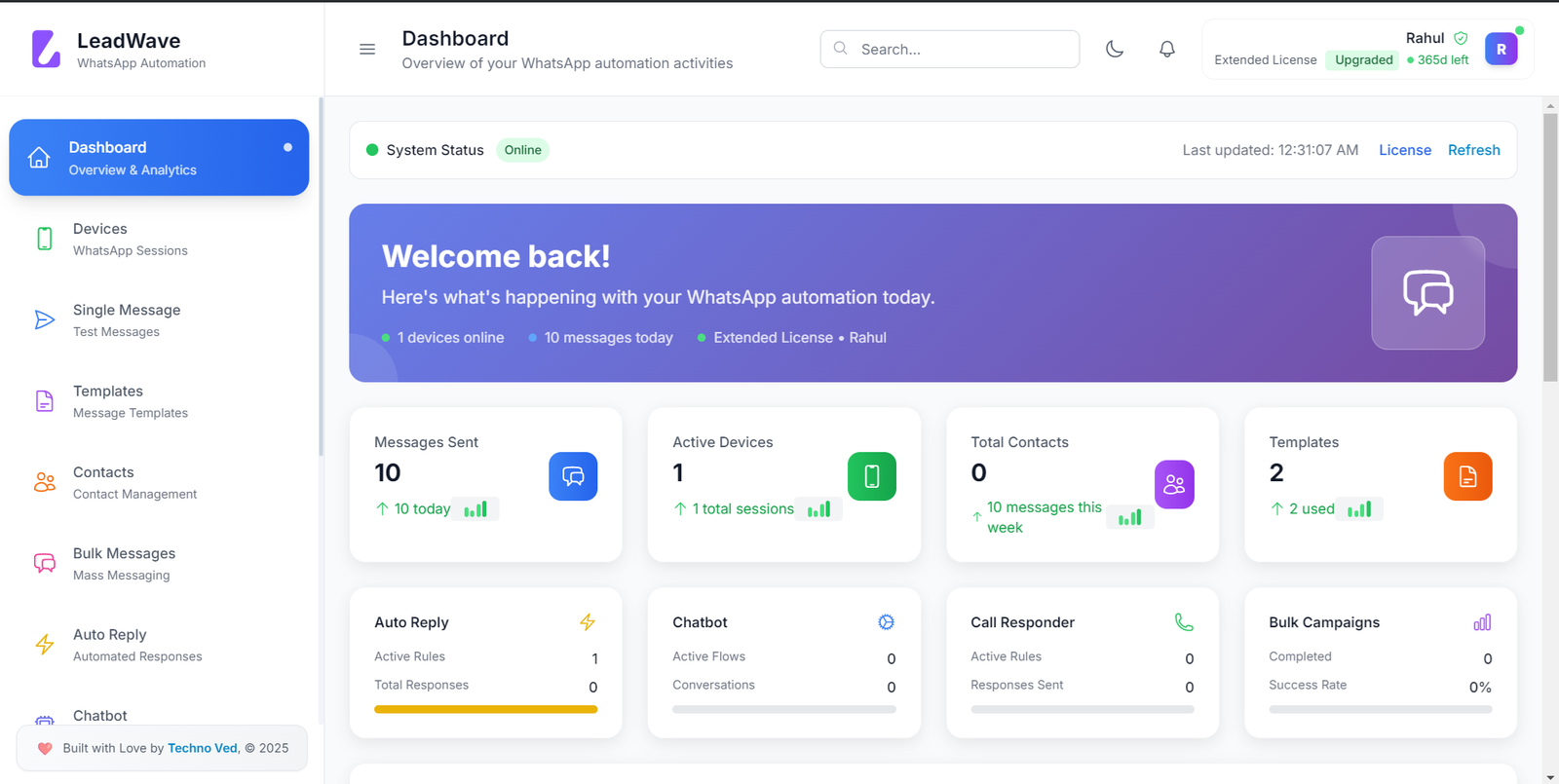
Analytics and Reporting
Data drives better decisions. LeadWave WhatsApp marketing tools include comprehensive analytics that provide visibility into every aspect of your communication strategy.
Metrics Tracked:
-
Messages sent, delivered, read, and failed
-
Campaign performance by segment
-
Device activity and health status
-
Contact engagement patterns
-
Opt-out rates and reasons
-
Response time analytics
Who Needs LeadWave WhatsApp Marketing Tools?
Digital Marketing Agencies
Manage multiple client accounts from one dashboard with complete data segregation. Scale your agency’s WhatsApp services without proportional staff increases.
E-Commerce Businesses
Send order confirmations, shipping updates, abandoned cart reminders, and promotional offers automatically. Provide instant customer support through AI chatbot.
Real Estate Professionals
Automate property alerts based on client preferences. Follow up with leads instantly. Schedule viewings and maintain relationships at scale.
Educational Institutions
Deliver course materials, send reminders to students, answer admission queries automatically, and maintain alumni connections.
Healthcare Providers
Send appointment reminders, share health tips, answer common patient questions, and maintain communication while respecting privacy regulations.
Customer Support Teams
Handle routine inquiries automatically, escalate complex issues to human agents, and maintain 24/7 availability without 24/7 staffing.
Sales Organizations
Nurture leads through automated sequences, trigger follow-ups based on prospect behavior, and alert sales reps when human intervention becomes valuable.
Technical Specifications
System Requirements
| Component | Minimum | Recommended |
|---|---|---|
| Operating System | Windows 10 (64-bit) | Windows 11 (64-bit) |
| Processor | Intel Core i3 | Intel Core i5 or higher |
| RAM | 4 GB | 8 GB |
| Storage | 500 MB free | 1 GB free |
| Internet | Broadband (5+ Mbps) | Fiber (10+ Mbps) |
| Display | 1366×768 | 1920×1080 |
Supported Features
| Category | Details |
|---|---|
| Message Types | Text, Images, Videos, Documents, Audio, Location |
| File Formats | JPG, PNG, MP4, PDF, DOCX, XLSX, PPTX, MP3 |
| Import Formats | CSV, Excel, Direct WhatsApp Sync |
| Export Options | CSV, Excel, PDF Reports |
| Languages Supported | English, Spanish, French, German, Chinese |
How LeadWave WhatsApp Marketing Tools Work
Simple 5-Step Setup Process
Step 1: Download and Install
Download the installer from our secure server and run the setup wizard. Installation completes in 2-5 minutes with minimal technical expertise required.
Step 2: Launch and Activate
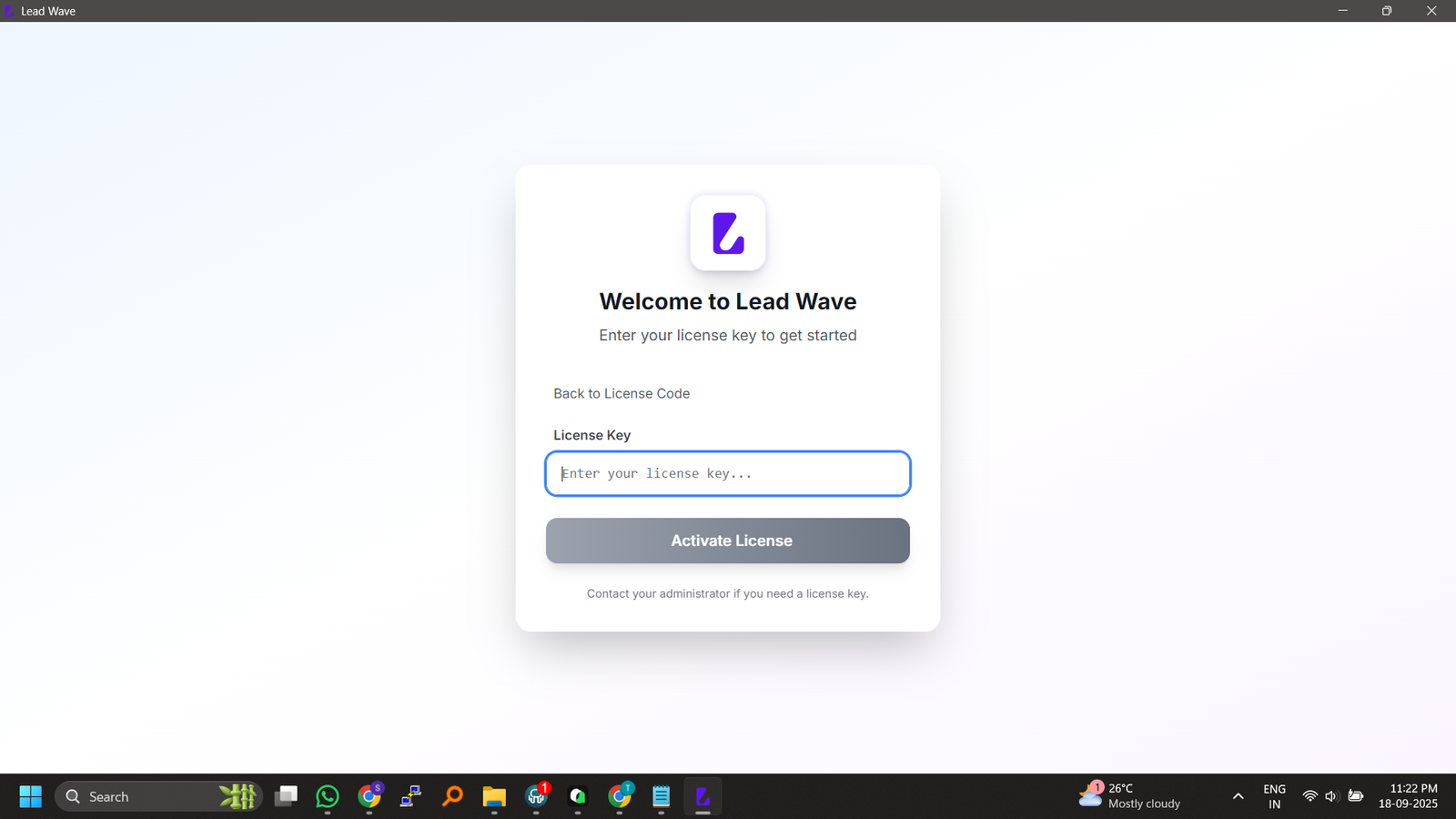
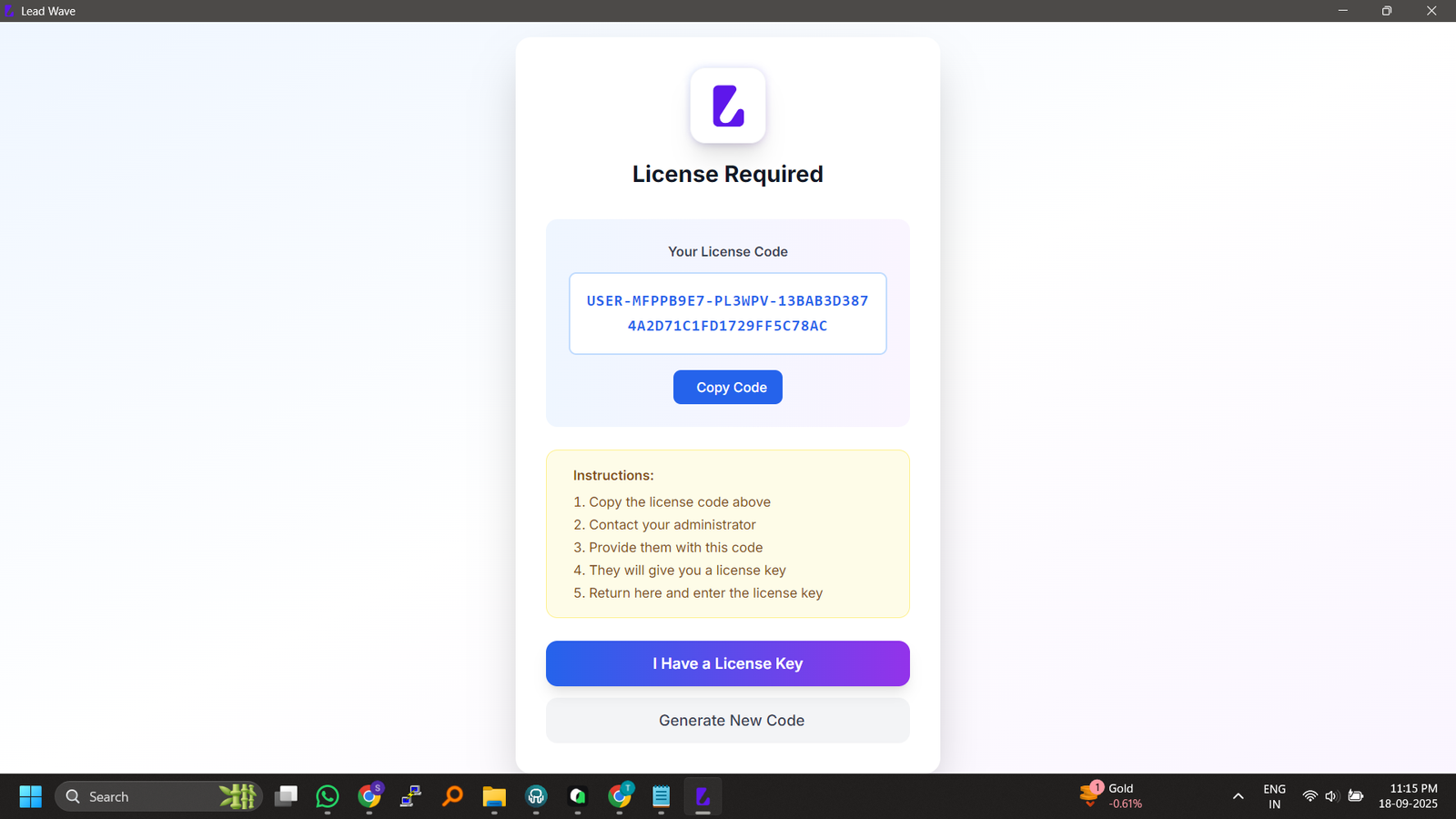
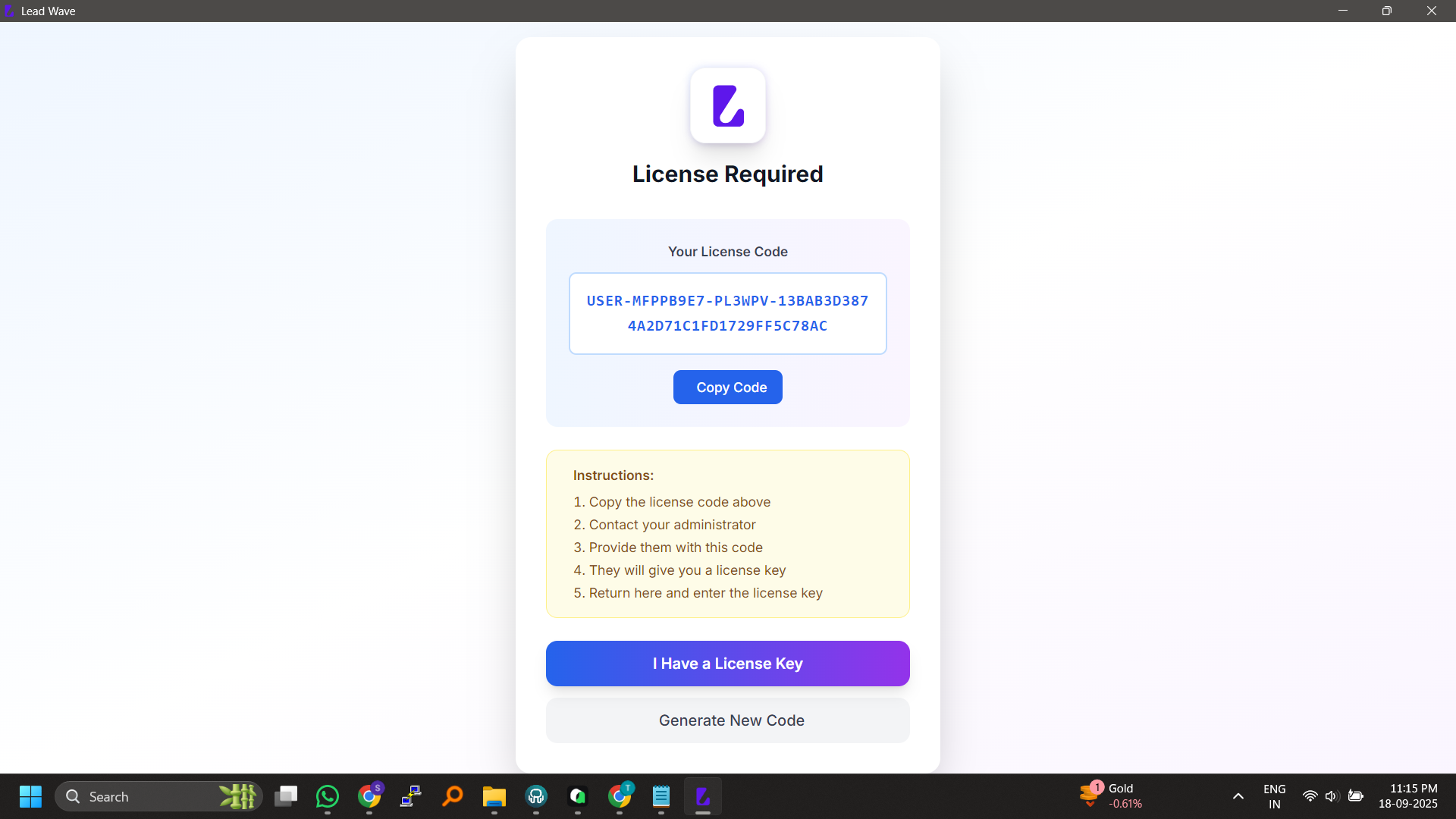
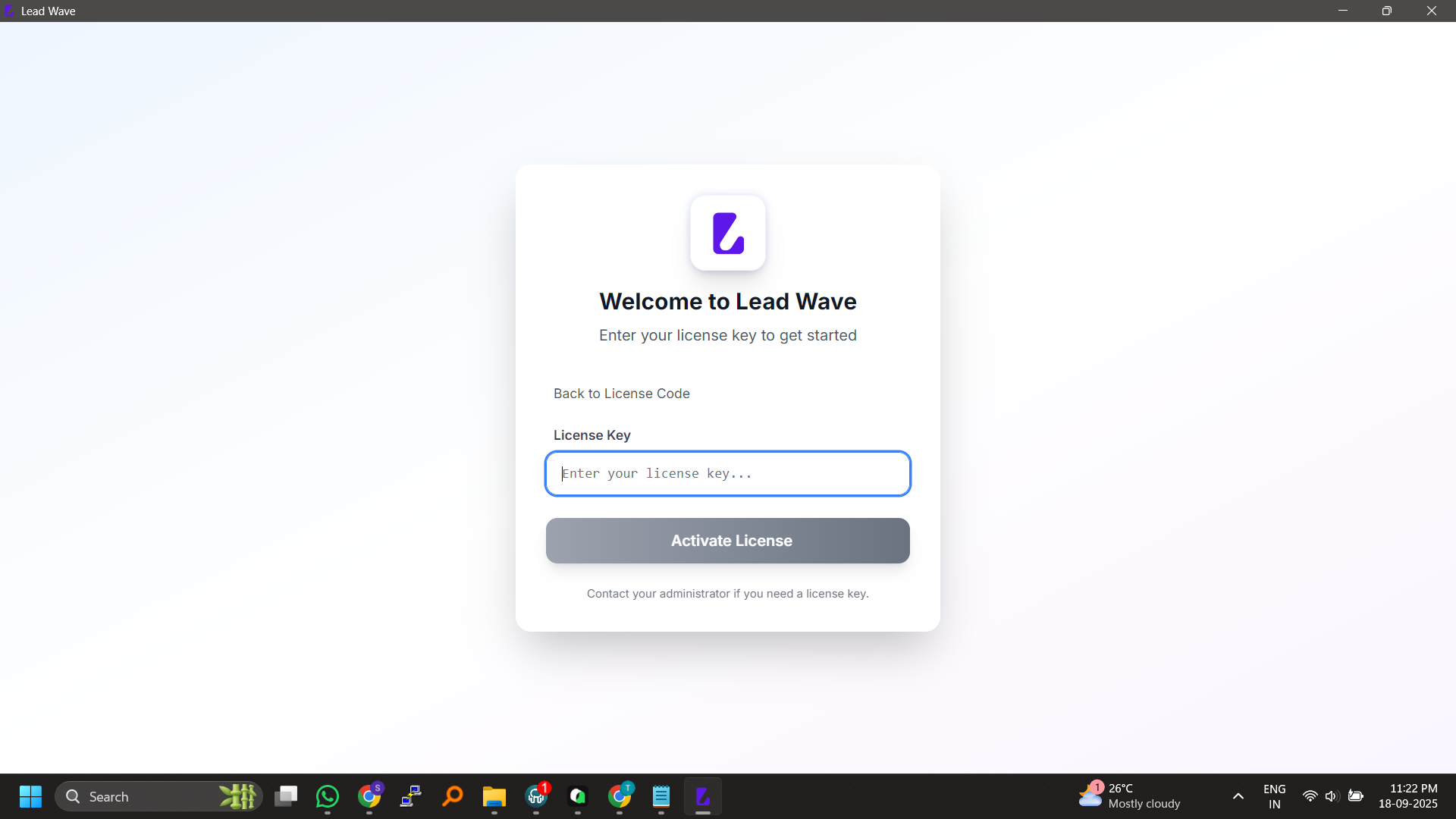
Open LeadWave and enter your license key. Choose your preferred language and timezone settings.
Step 3: Connect WhatsApp Devices
Navigate to the Devices module, click “Add Device,” and scan the QR code using WhatsApp’s “Linked Devices” feature on your phone.
Step 4: Import Your Contacts
Upload your contact list via CSV, sync from connected devices, or extract members from existing WhatsApp groups.
Step 5: Create and Launch Campaigns
Build message templates with personalization variables, select recipient segments, configure sending parameters, and start your campaign.
Best Practices for Success
Message Guidelines
✅ Personalize every message with recipient-specific variables
✅ Maintain 20-40 second minimum delays between messages
✅ Limit daily sends to 100-250 per device
✅ Include clear opt-out instructions in every campaign
✅ Test small batches before full-scale deployment
Content Recommendations
✅ Keep messages concise and value-focused
✅ Use recipient’s name within first few words
✅ Send during business hours (9 AM – 6 PM local time)
✅ Avoid excessive emojis and ALL CAPS text
✅ Vary message content to avoid identical patterns
Account Safety
✅ Distribute campaigns across multiple devices
✅ Respond to incoming messages when possible
✅ Monitor delivery rates for sudden drops
✅ Use number warmer for new accounts
✅ Maintain consistent sending patterns
Important Information
Compliance Notice
LeadWave operates using alternative, third-party API libraries—not the official WhatsApp Business API. This enables advanced features while introducing specific considerations:
Recommended Practices:
-
Message only contacts who have opted in
-
Provide clear opt-out instructions
-
Respect daily sending limits
-
Use appropriate delays between messages
-
Avoid spam trigger words
Risk Awareness:
-
Temporary restrictions can occur despite best practices
-
Advanced features may experience intermittent functionality
-
Meta platform updates may cause temporary downtime
-
Feature availability depends on underlying WhatsApp infrastructure
Customer Success Stories
Digital Agency Transformation
*”LeadWave increased our campaign volume by 300% without adding staff. The multi-account management alone saves us 15+ hours weekly.”*
— Agency Owner, United States
E-Commerce Growth
*”Our customer response time dropped from 4 hours to under 15 minutes. Appointment no-shows decreased by 34%.”*
— Retail Chain Manager, United Kingdom
Real Estate Results
“I’ve doubled my lead follow-up capacity while actually working less. The AI chatbot qualifies prospects before I even see them.”
— Real Estate Agent, Australia
Frequently Asked Questions
Q: Is LeadWave compatible with WhatsApp Business accounts?
A: Yes, LeadWave works with both standard WhatsApp and WhatsApp Business accounts through the QR code connection process.
Q: How many messages can I send daily without risking account restrictions?
A: Best practices suggest 100-250 messages per device daily. LeadWave includes configurable delays and limits to help maintain compliance.
Q: Can I use LeadWave on Mac computers?
A: Currently, LeadWave is designed for Windows operating systems. Mac users can run the application using virtualization software such as Parallels Desktop.
Q: Does LeadWave store my data in the cloud?
A: No, all data is stored locally on your computer in encrypted databases. You maintain complete control of your information.
Q: What happens if WhatsApp updates its platform?
A: Our development team actively monitors Meta changes and releases compatibility updates. Temporary disruptions may occur during major updates.
Q: Can I try LeadWave before purchasing?
A: Yes, we offer a 2-day free trial with full access to all features—no credit card required.
Q: How does the AI chatbot learn and improve?
A: The chatbot analyzes conversation patterns and outcomes, continuously refining response accuracy based on real interactions.
Q: What payment methods do you accept?
A: We accept credit cards, PayPal, Binance, and various cryptocurrency payments for global accessibility.
Get Started Today
Option 1: Free Trial
Download the 2-day trial and experience LeadWave WhatsApp marketing tools firsthand—no commitment, no credit card required.

Why Choose Original LeadWave?
When you purchase legitimate LeadWave WhatsApp marketing tools, you receive:
✅ Regular updates maintaining WhatsApp compatibility
✅ Security—no hidden malware or backdoors
✅ Reliable performance without unexpected crashes
✅ Direct support when issues arise
✅ Future features and improvements
✅ Peace of mind knowing your data is safe
Avoid cracked versions that risk:
❌ Sudden failure without warning
❌ Malicious code compromising your data
❌ Frequent number bans and restrictions
❌ No support, updates, or accountability


Reviews
There are no reviews yet.