
Description
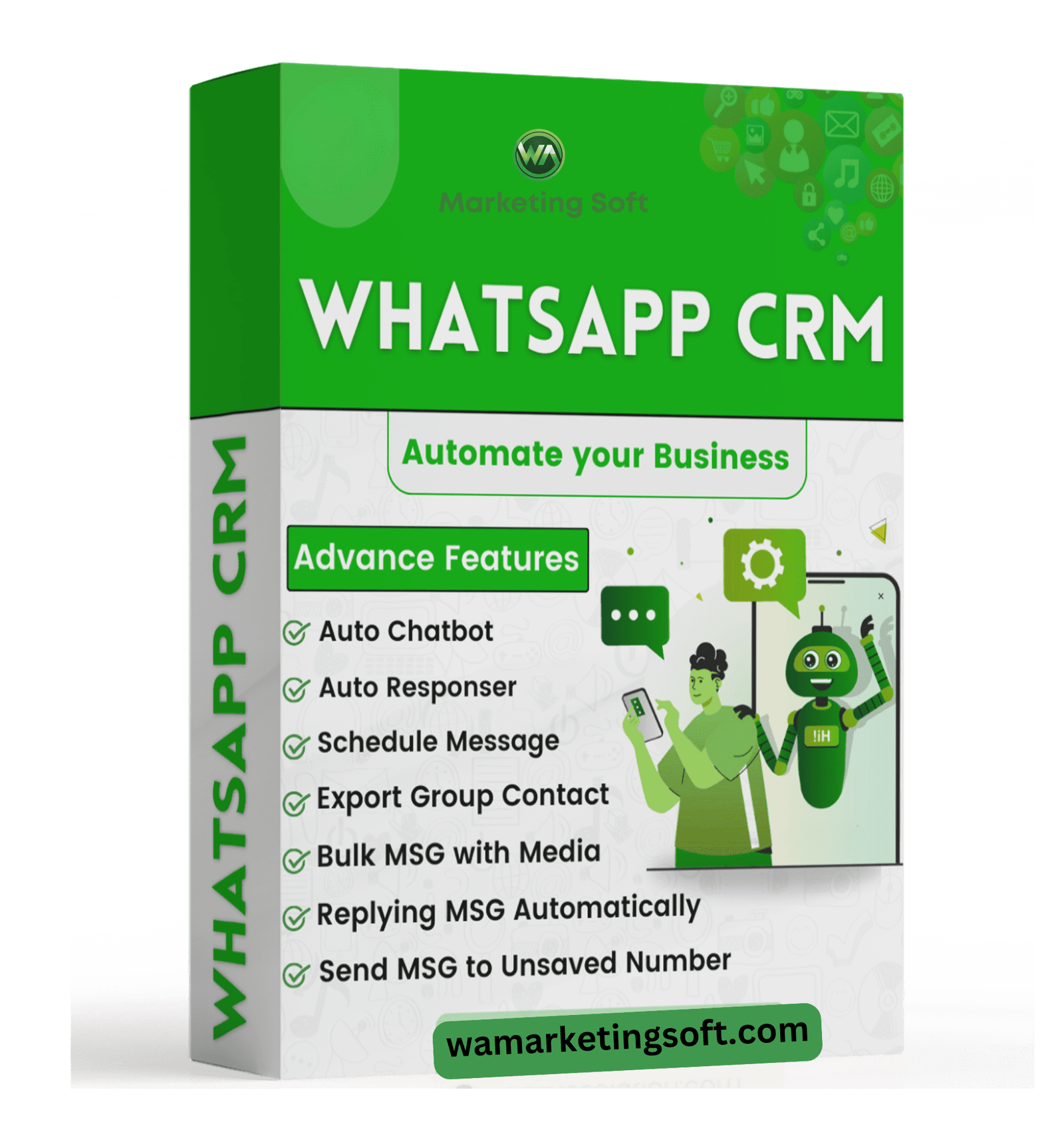
WaCRM – Multi-Account WhatsApp CRM: Streamline Business Messaging Across Multiple Numbers
Managing customer conversations across multiple WhatsApp accounts can be chaotic. Juggling phones, switching logins, and losing track of chats costs time and hurts sales. WaCRM is the ultimate multi-account WhatsApp CRM designed to solve this problem.
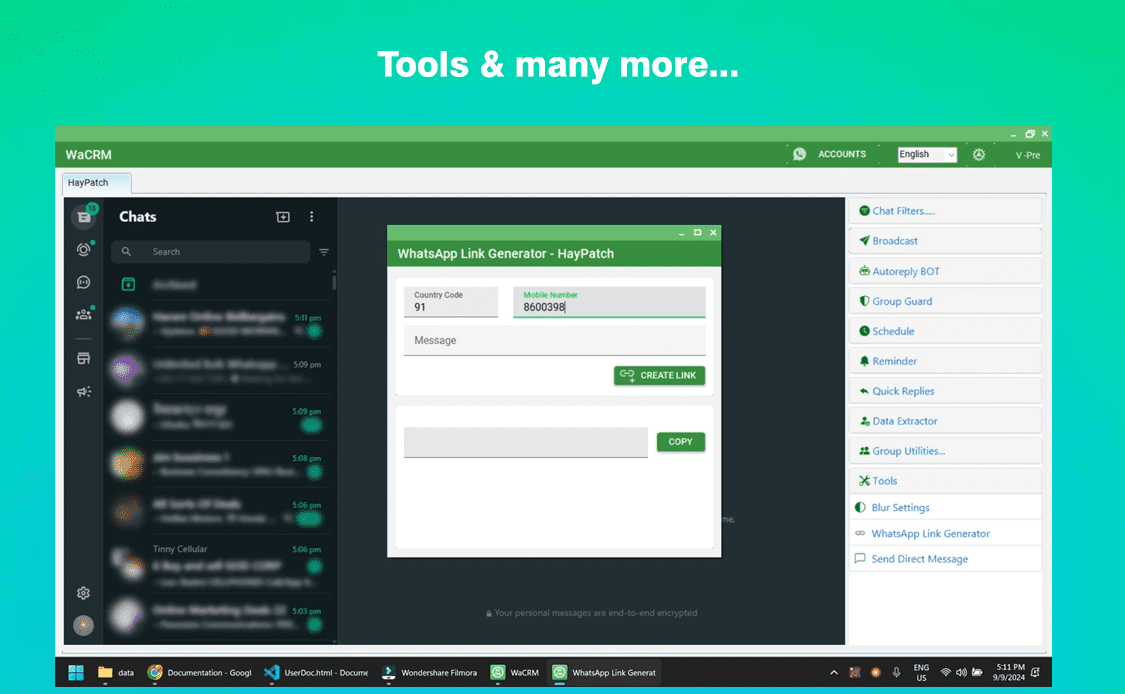
With WaCRM, you can connect, manage, and automate multiple WhatsApp numbers from a single, powerful desktop dashboard. It is the all-in-one solution for businesses, marketing agencies, and support teams that need to handle high-volume communication without the clutter.
Why You Need a Multi-Account WhatsApp CRM
If your business uses more than one WhatsApp number for sales, support, or marketing, you need WaCRM. Instead of switching between devices or browser tabs, WaCRM unifies all your accounts into one clean interface. You get a complete view of every conversation, every lead, and every campaign—all in one place.
Key Features of WaCRM – Multi-Account WhatsApp CRM
📱 Manage Unlimited WhatsApp Accounts
Connect and control multiple WhatsApp numbers simultaneously. Switch between accounts instantly and handle all business communication from a single screen.
📨 Multi-Account Bulk Messaging
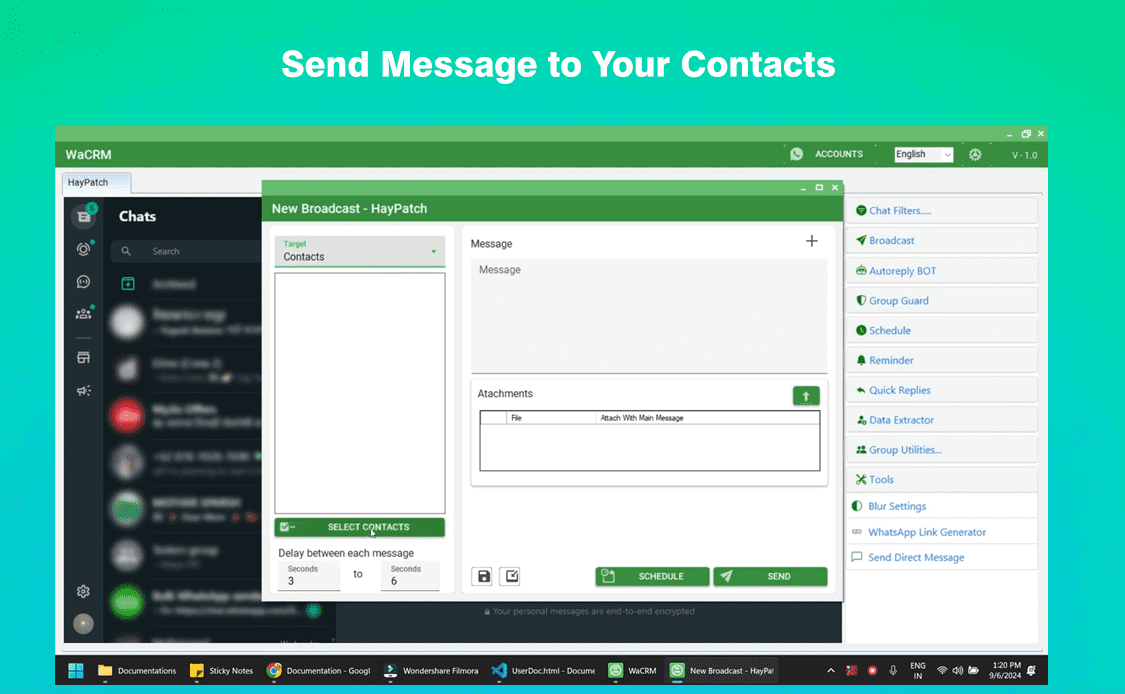
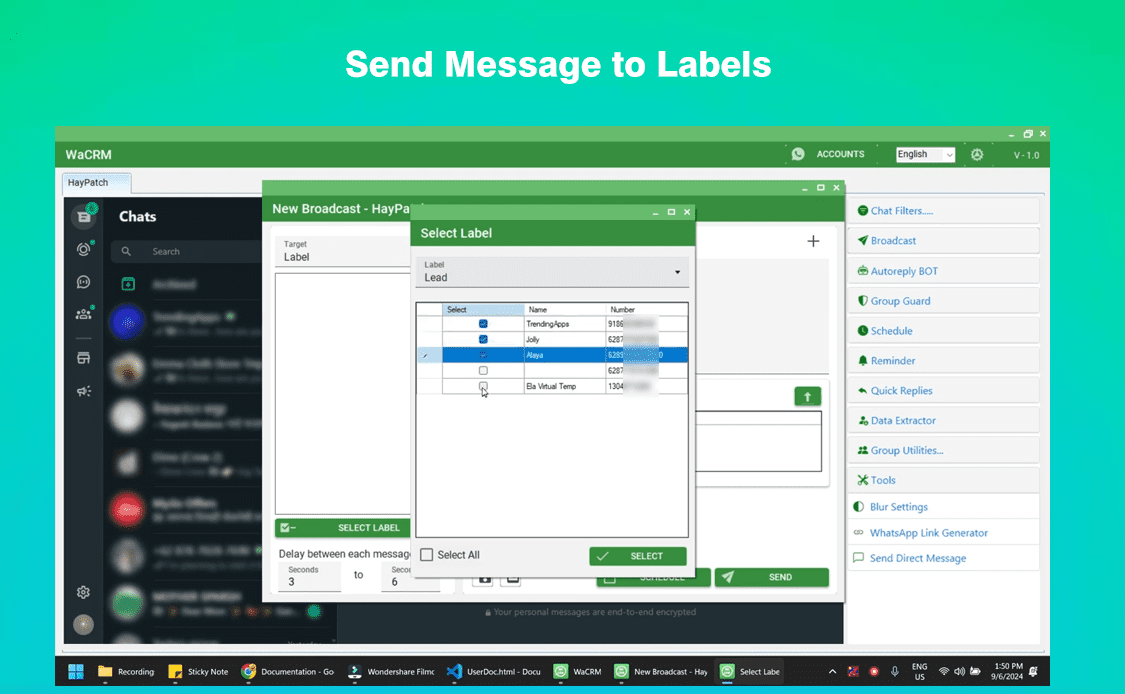
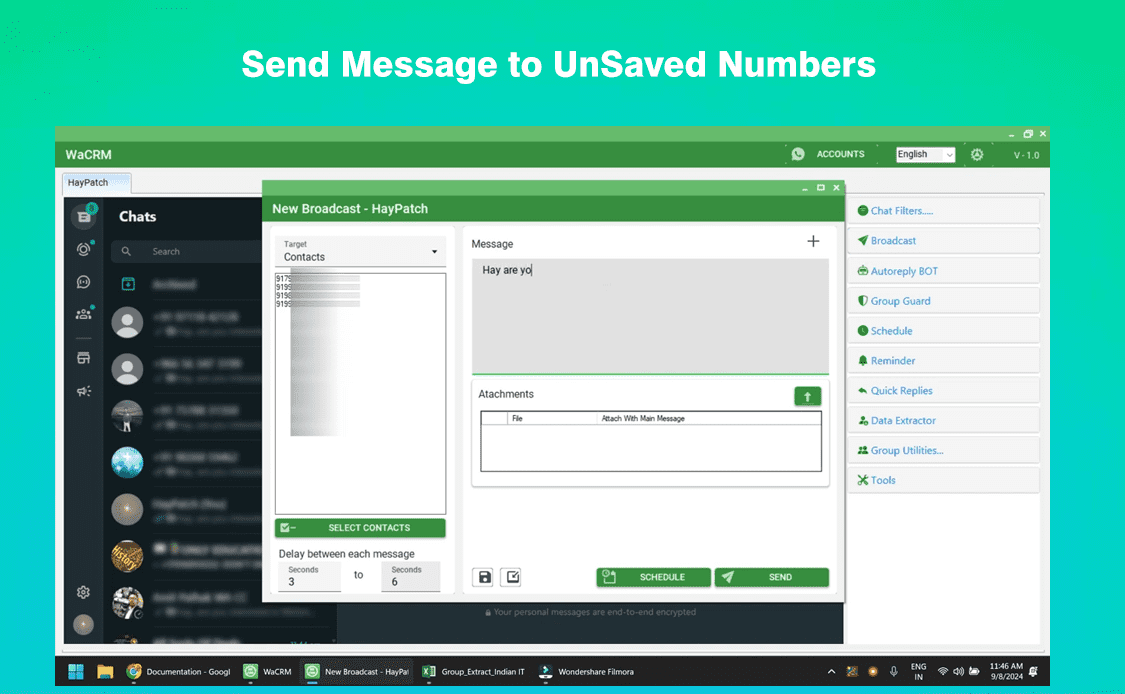
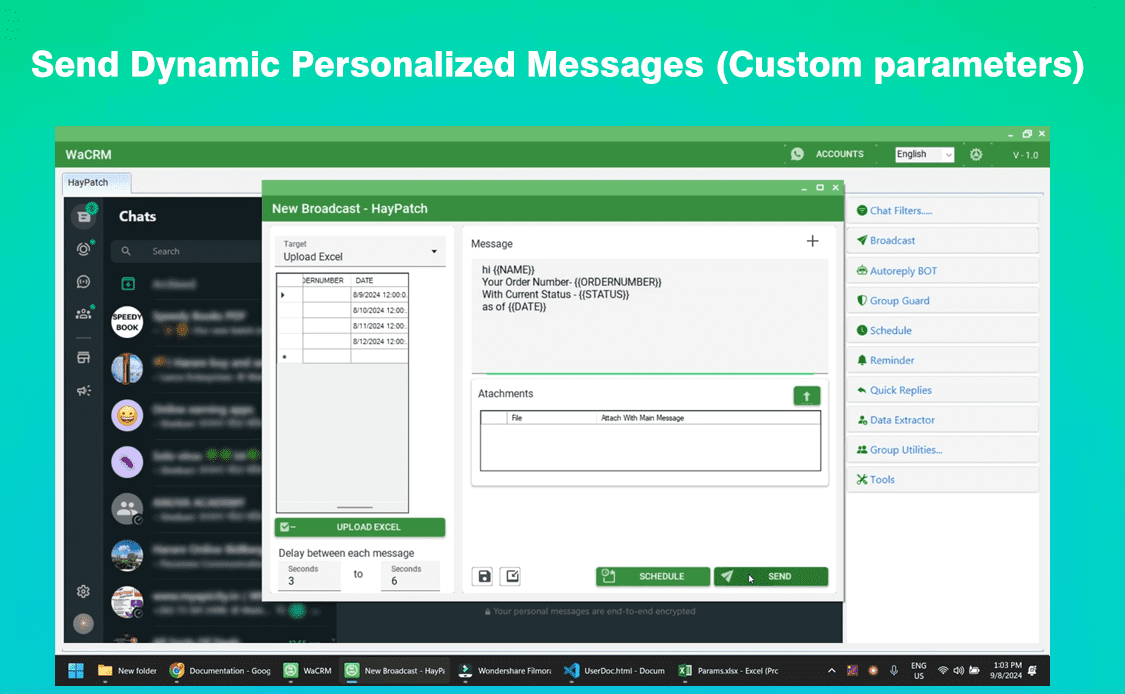
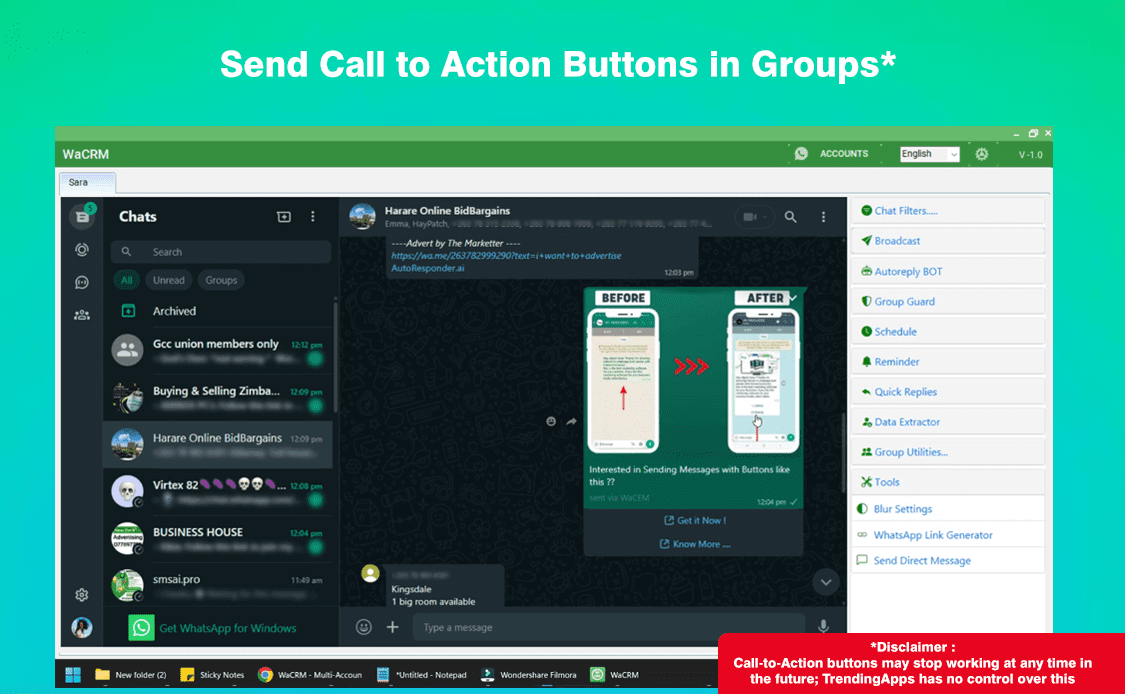
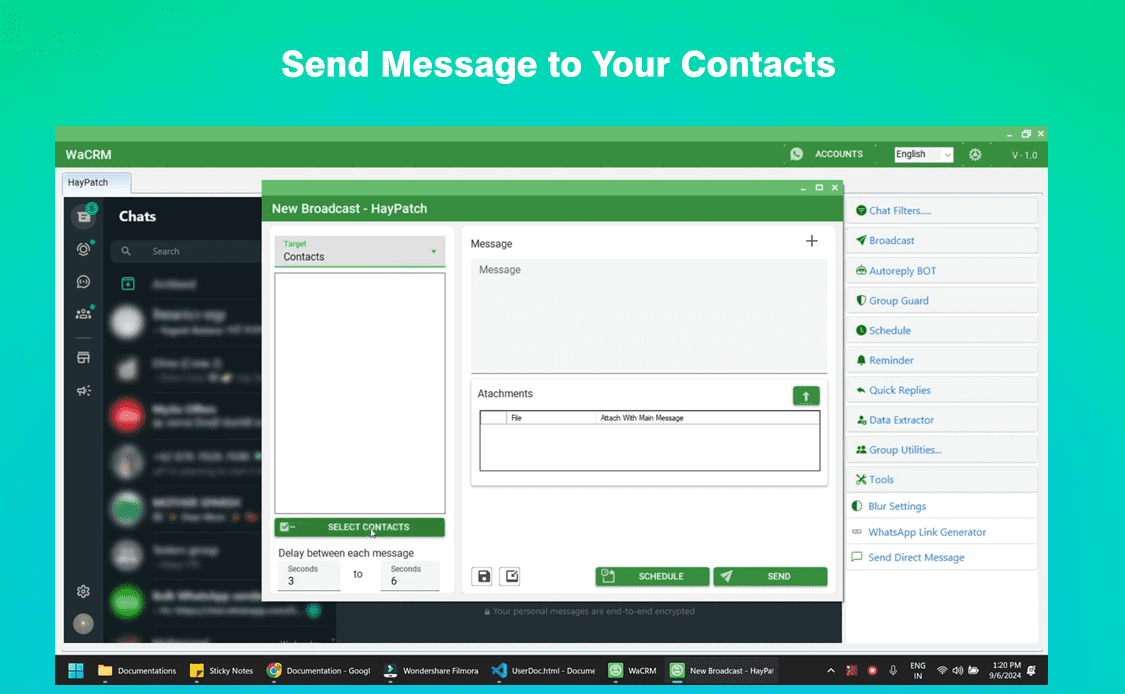
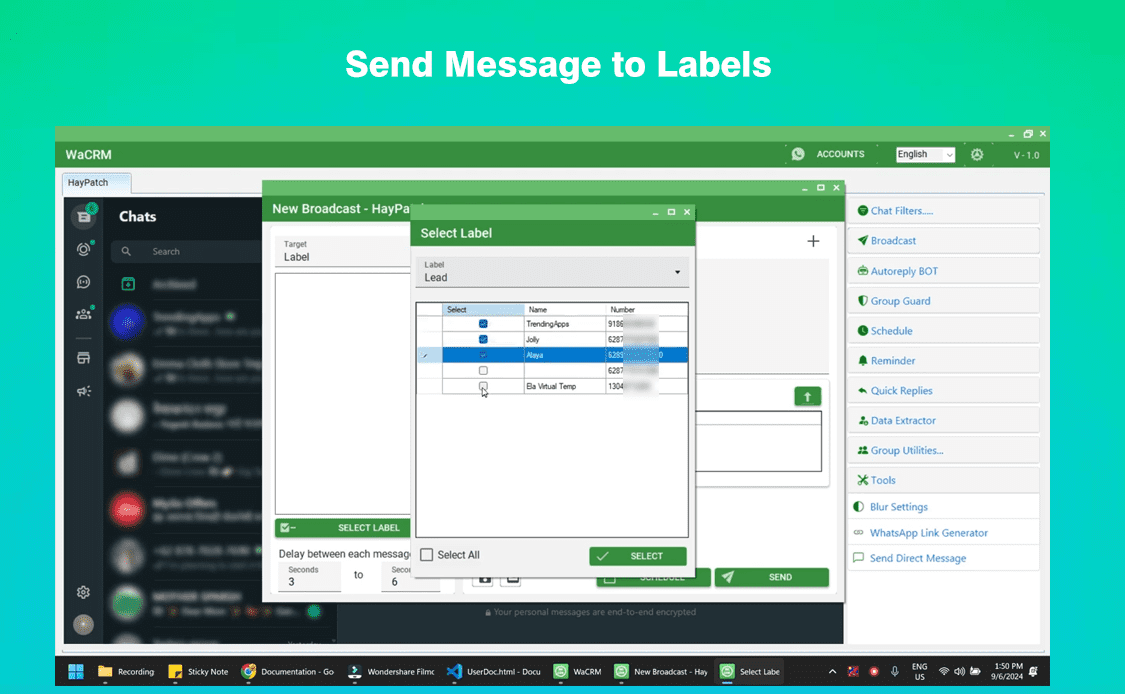
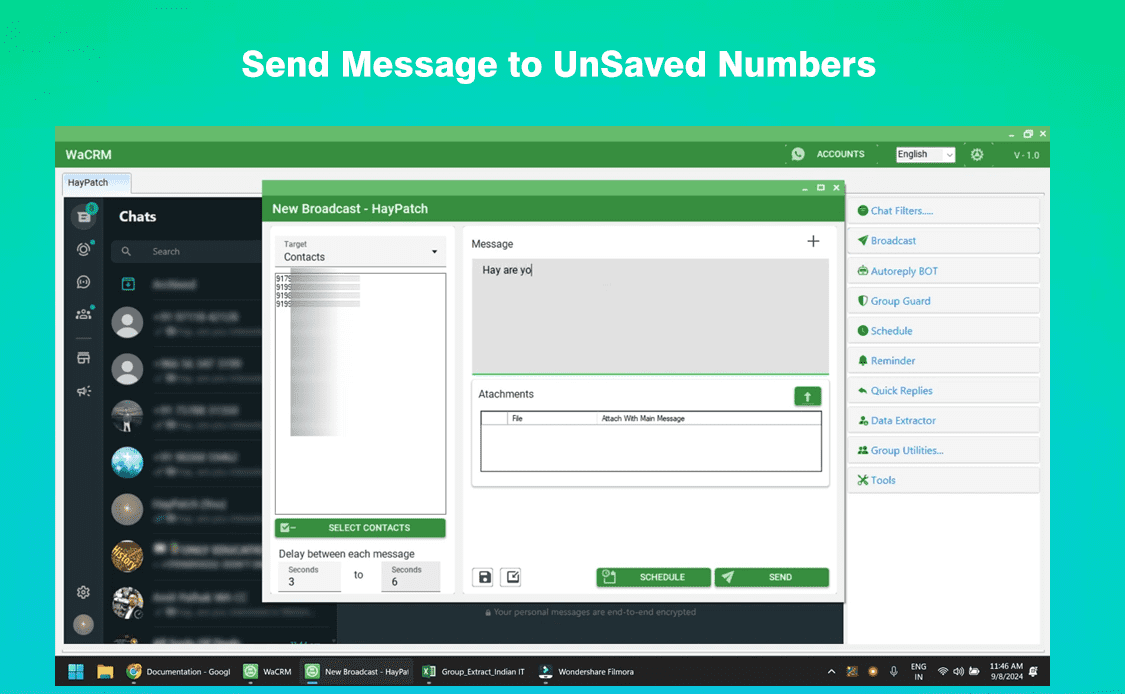
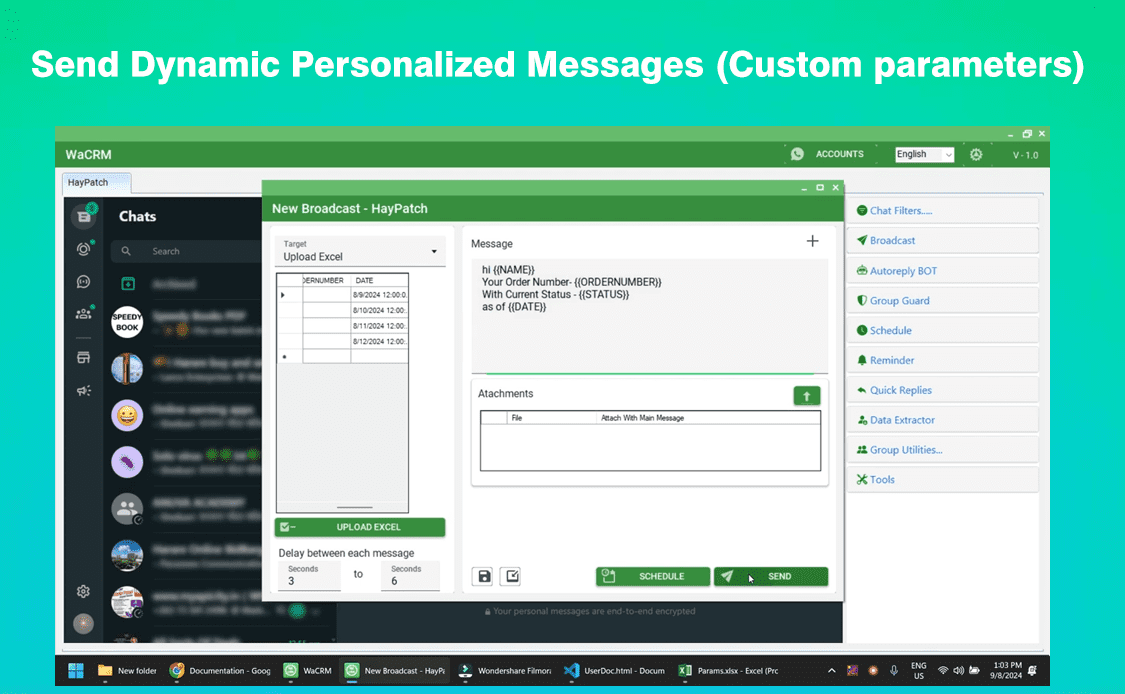
Send targeted bulk WhatsApp messages from any or all of your connected accounts. Perfect for segmenting audiences and running A/B tests across different numbers.
✅ Active Number Filter
Before you message, filter your contact lists to identify only active WhatsApp users. This protects your sender reputation and improves campaign ROI.
🤖 Centralized Auto-Replies
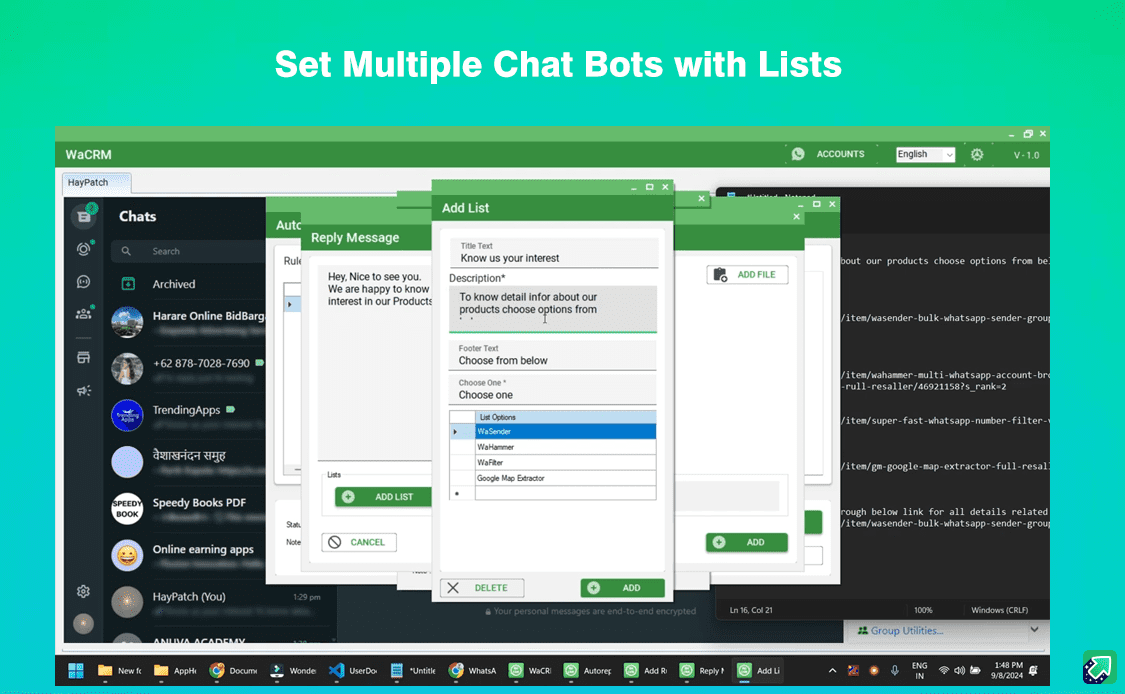
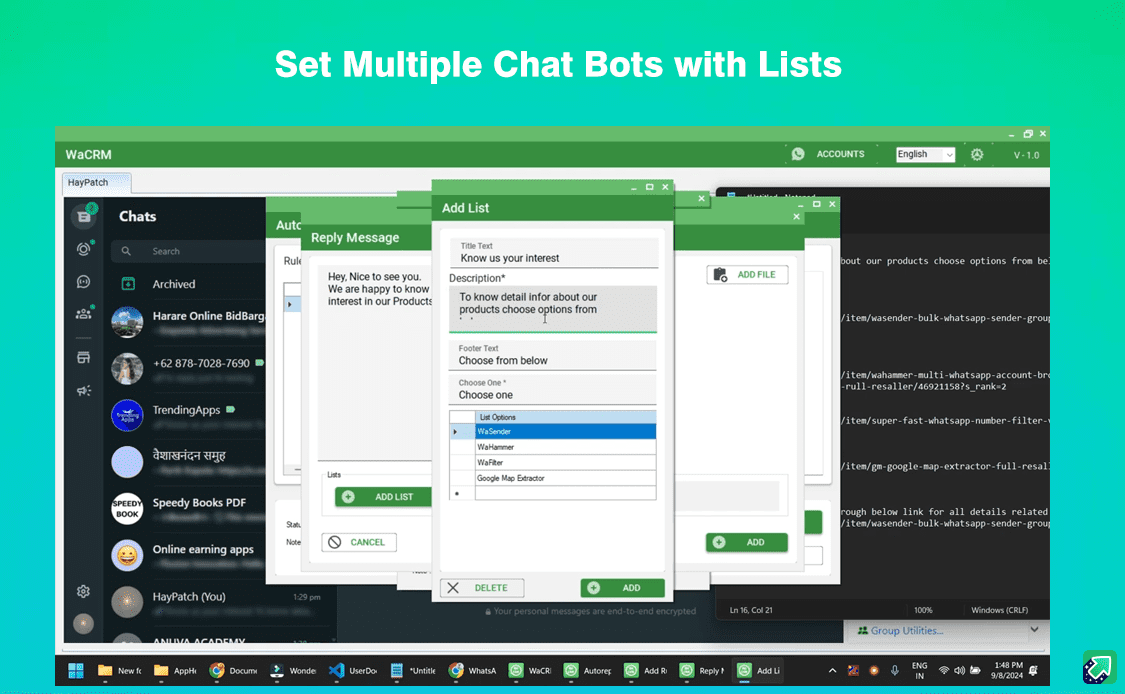
Set up smart auto-reply bots for each account. Keep every number active 24/7 with personalized responses based on the account’s purpose (sales, support, etc.).
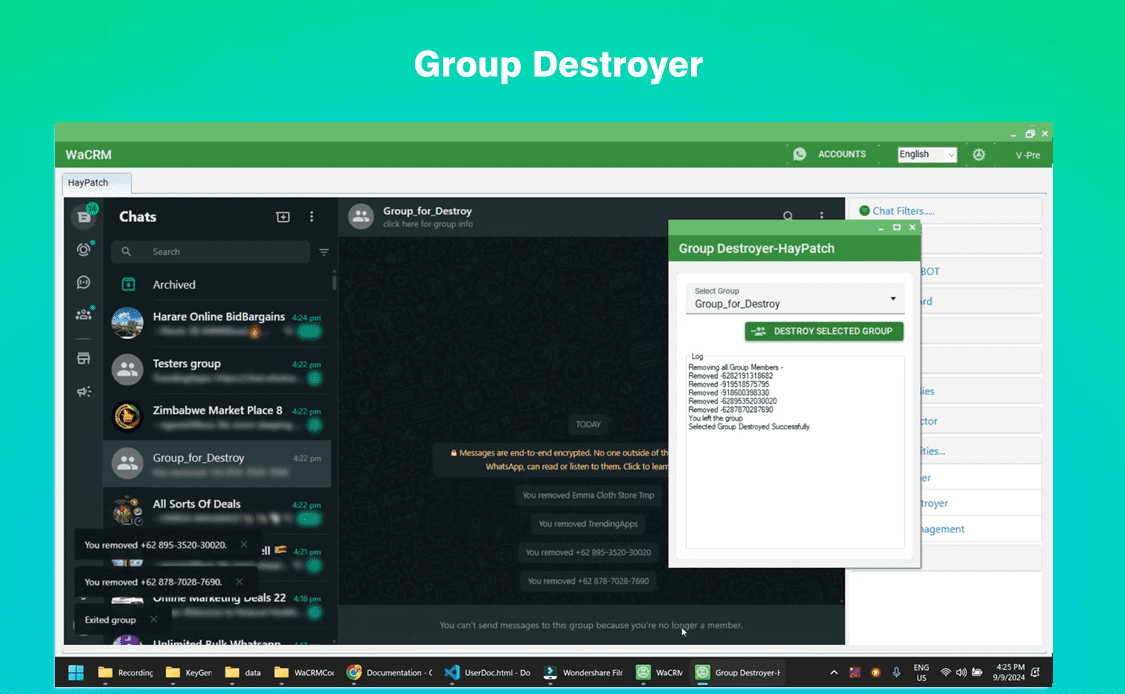
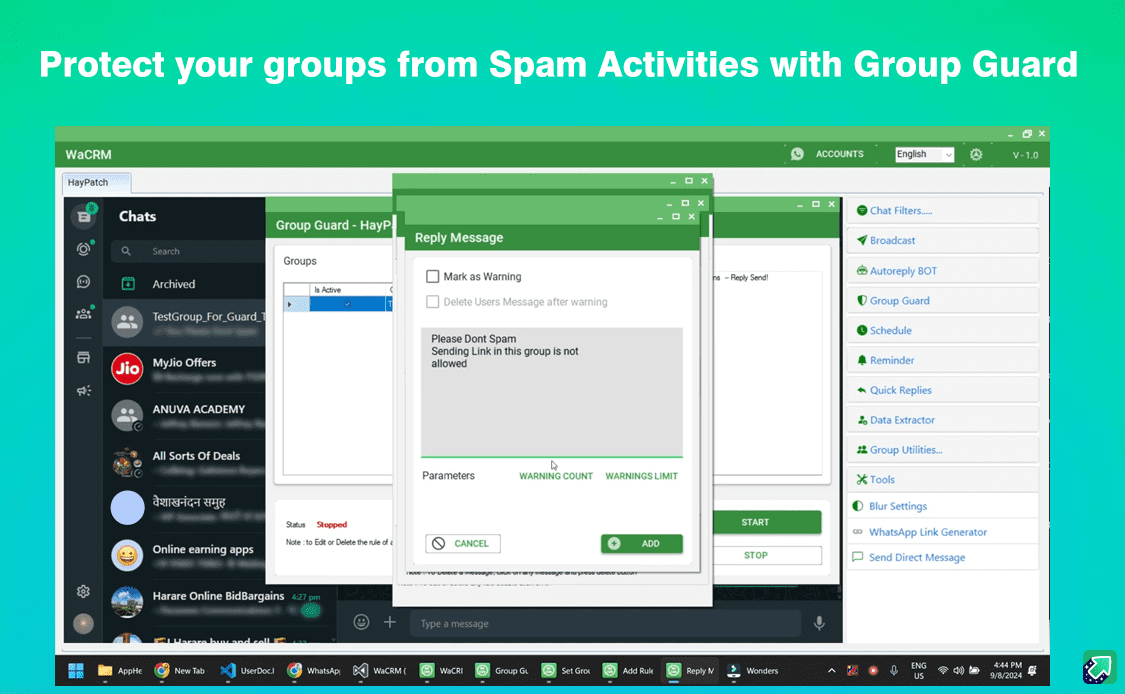
👥 Cross-Account Group Management
Auto-join targeted groups and export members from any connected account. Build niche audiences faster by leveraging multiple numbers.
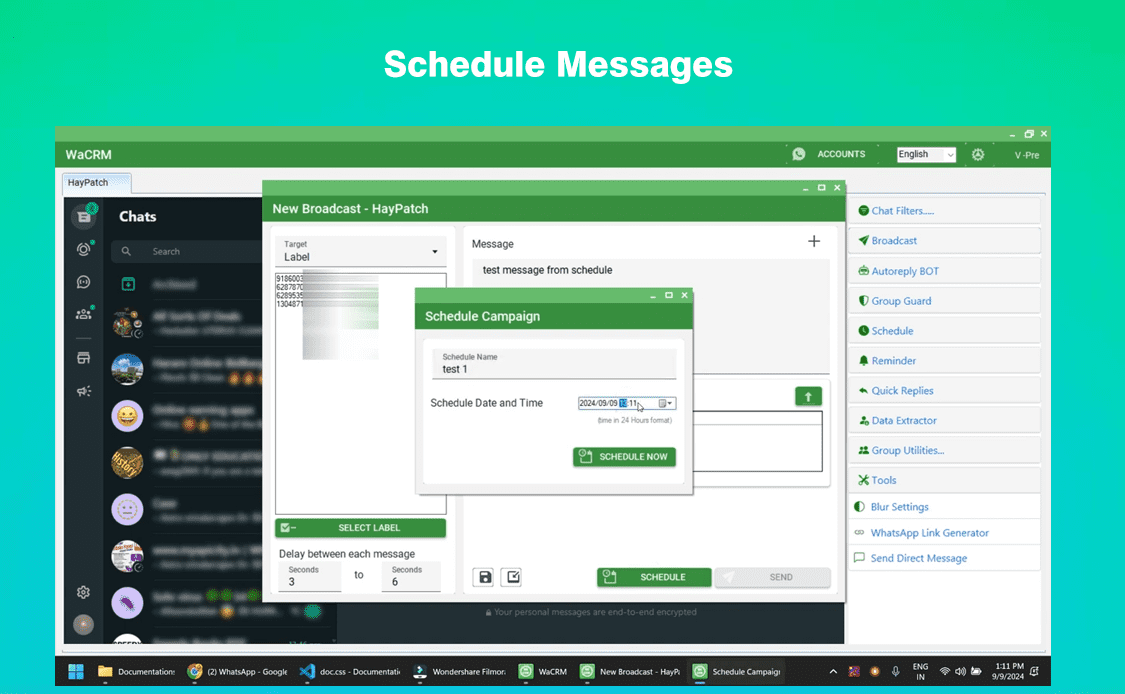
📅 Campaign Scheduling Across Accounts
Plan and schedule WhatsApp campaigns for each account at optimal times. WaCRM handles the delivery, so you don’t have to be online.
☁️ 1-Click Google Contact Sync
Save new leads from any account directly to Google Contacts with one click. Keep your customer database organized and accessible.
💼 Resell-Ready Business Model
Offer the power of a multi-account WhatsApp CRM to your clients. WaCRM includes a legal resale option, allowing you to provide EXE keys and resale files while you profit.
How WaCRM – Multi-Account WhatsApp CRM Works
WaCRM is a powerful desktop-based software for Windows. Getting started is simple:
-
Install the WaCRM software on your PC.
-
Connect your WhatsApp accounts via WhatsApp Web.
-
View all accounts and conversations in the unified dashboard.
-
Import contacts and filter active numbers.
-
Create campaigns, set auto-replies, and manage groups across all accounts.
Everything is designed for speed, privacy, and ease of use.
Who Needs a Multi-Account WhatsApp CRM?
-
Digital Marketing Agencies: Manage campaigns for multiple clients from different WhatsApp numbers without mixing up data.
-
Sales Teams: Separate inbound sales, outbound prospecting, and follow-ups across dedicated numbers.
-
E-commerce Brands: Use one number for order updates, another for promotions, and another for customer support.
-
Real Estate & Consultants: Keep personal and business chats separate while managing both from one tool.
-
Large Support Teams: Distribute customer queries across multiple support numbers and agents seamlessly.
Important Guidelines & Best Practices
To ensure long-term success with your multi-account WhatsApp CRM, follow these guidelines:
-
Use Opt-In Contacts: Only message users who have consented to receive communication.
-
Respect Account Limits: Avoid sending extremely high volumes from a single new account. Distribute messages across your connected numbers.
-
Stay Compliant: Adhere to WhatsApp’s Terms of Service to keep all your accounts healthy.
-
Stable Internet Required: A reliable connection ensures smooth multi-account management.
Frequently Asked Questions
1. Can I really manage multiple WhatsApp accounts with WaCRM?
Yes. WaCRM is specifically built as a multi-account WhatsApp CRM. You can connect and manage unlimited accounts from one dashboard.
2. Is it safe to use multiple accounts in one software?
Yes, when used responsibly. WaCRM uses the official WhatsApp Web connection. We recommend using it for business purposes with opt-in contacts to ensure account safety.
3. Can I resell WaCRM as a multi-account solution?
Absolutely. The resell-ready feature allows you to provide this powerful multi-account tool to your customers, complete with resale files.
4. Does WaCRM work with WhatsApp Business accounts?
Yes, WaCRM works seamlessly with both standard WhatsApp and WhatsApp Business accounts.
5. How does multi-account bulk messaging help my business?
It allows you to segment your audience. For example, use one number for cold outreach, one for existing customers, and one for support. This organization improves response rates and team efficiency.
Take Control of Your Business Communication
Stop switching phones and tabs. Start managing your business like a pro.
👉 Get WaCRM – The Multi-Account WhatsApp CRM Today and Unify Your Messaging!


Reviews
There are no reviews yet.