
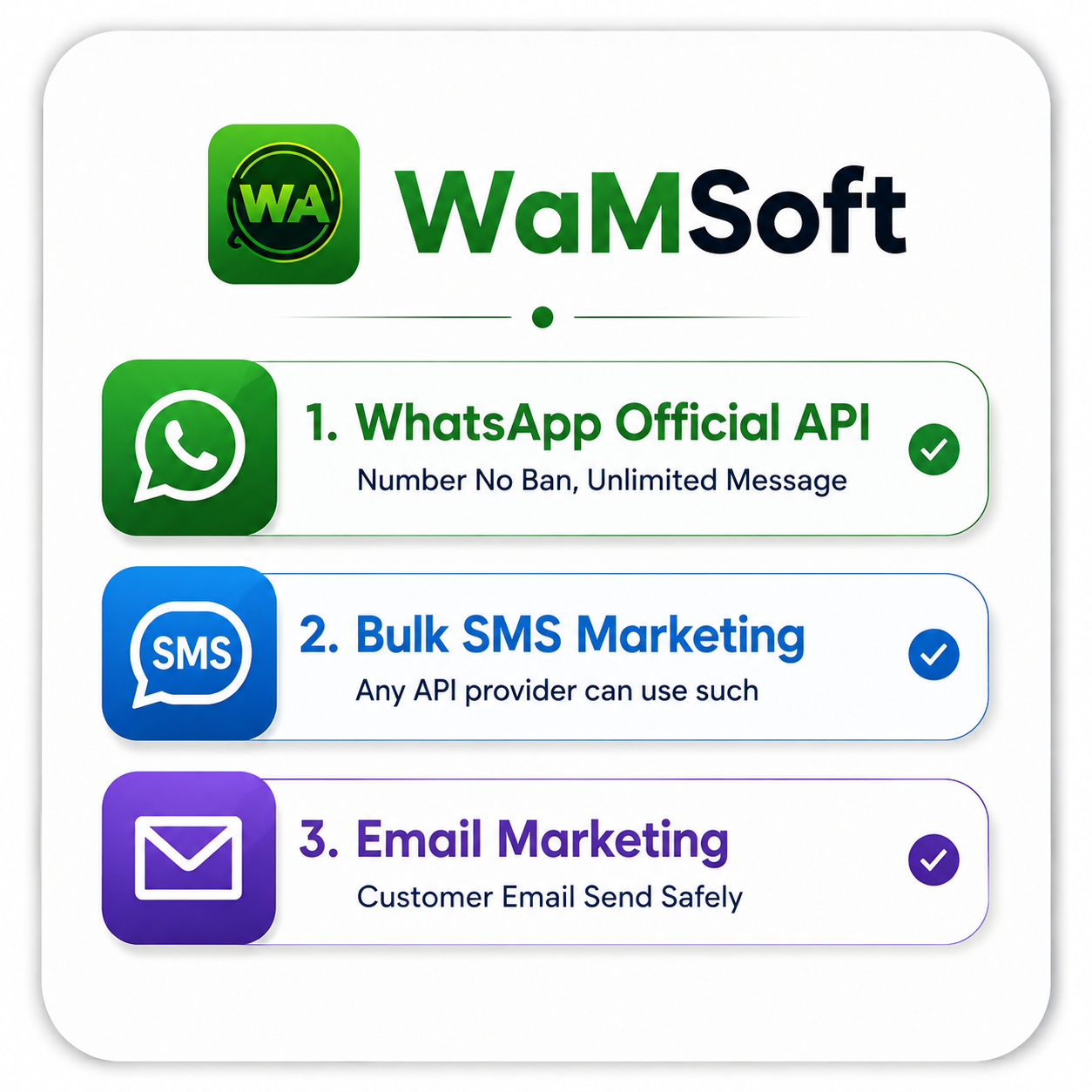
Official WhatsApp
Business API
Send Unlimited Messages
100% Official Meta API · No Chrome Extension · No QR Login · Direct Meta Cloud API Connection
Grow your business using the official WhatsApp Cloud API. Manage campaigns across WhatsApp, Email, SMS, and Telegram from one powerful platform.
- Unlimited Messaging
- No Ban Risk
- Official Meta Cloud API
- 99.9% Delivery Rate
- AI Chatbot & Automation
- Team Inbox
- CRM Built-In
- 24/7 Support
4 Channels. 1 Dashboard.
Reach customers on their preferred platform — manage everything from a single place.
Official Meta Cloud API
- 100% official Meta API
- Unlimited campaigns
- Zero ban risk
- Bulk messaging
- Template messages
- Interactive buttons
- Chatbot automation
Professional Campaigns
- Unlimited email sending
- Drag & drop editor
- A/B split testing
- Open & click tracking
- Autoresponders
- Custom SMTP support
- Spam score check
SMS
Instant Text Messaging
- Global SMS coverage
- Bulk SMS campaigns
- Scheduled sending
- Two-way SMS chat
- Delivery reports
- Short code & long code
- OTP & transactional
Telegram
Broadcast to Millions
- Telegram Bot API
- Channel broadcast
- Group management
- Rich media messages
- Inline keyboards
- User segmentation
- Analytics dashboard
Everything You Need
to Grow Your Business
Complete marketing automation in a single platform — built for scale.
Unlimited Multi-Channel Campaign Builder
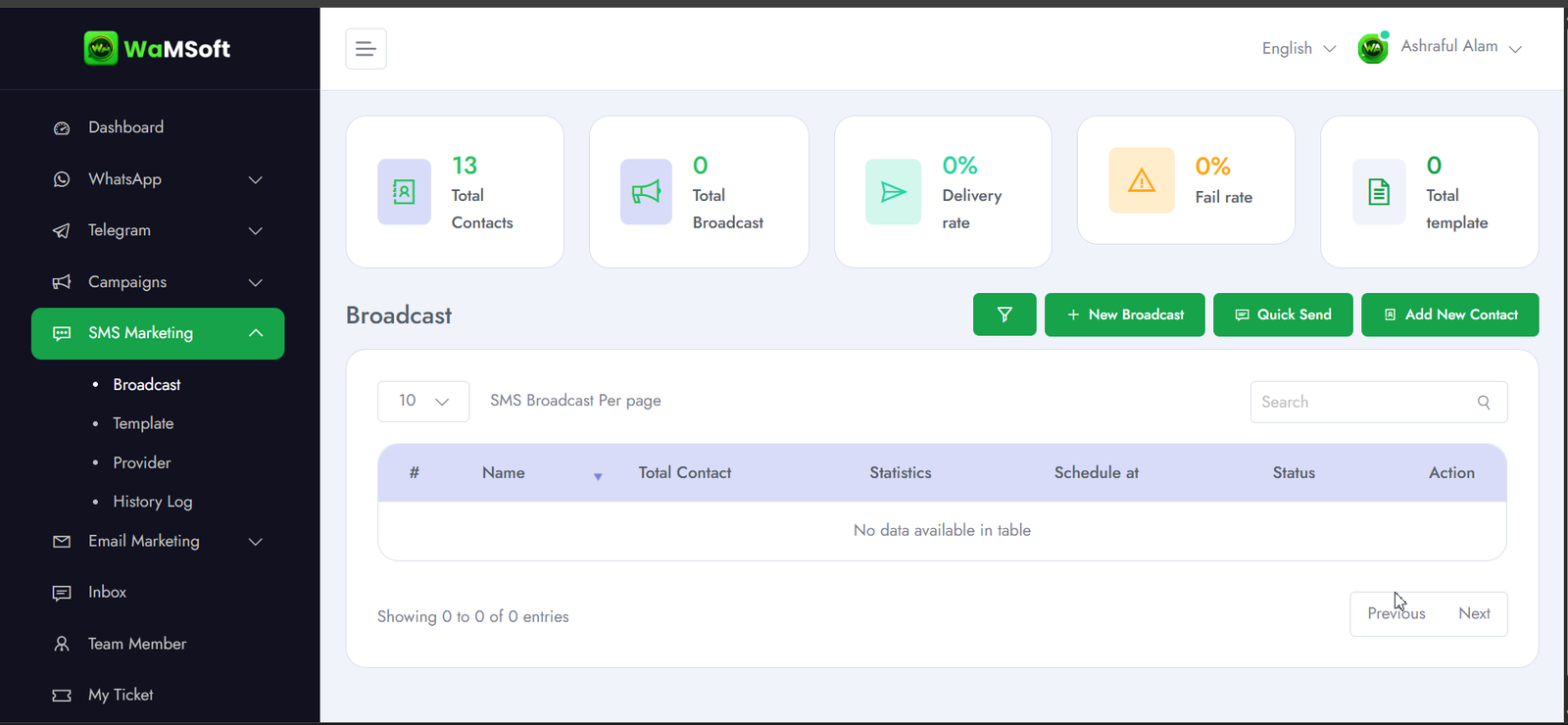
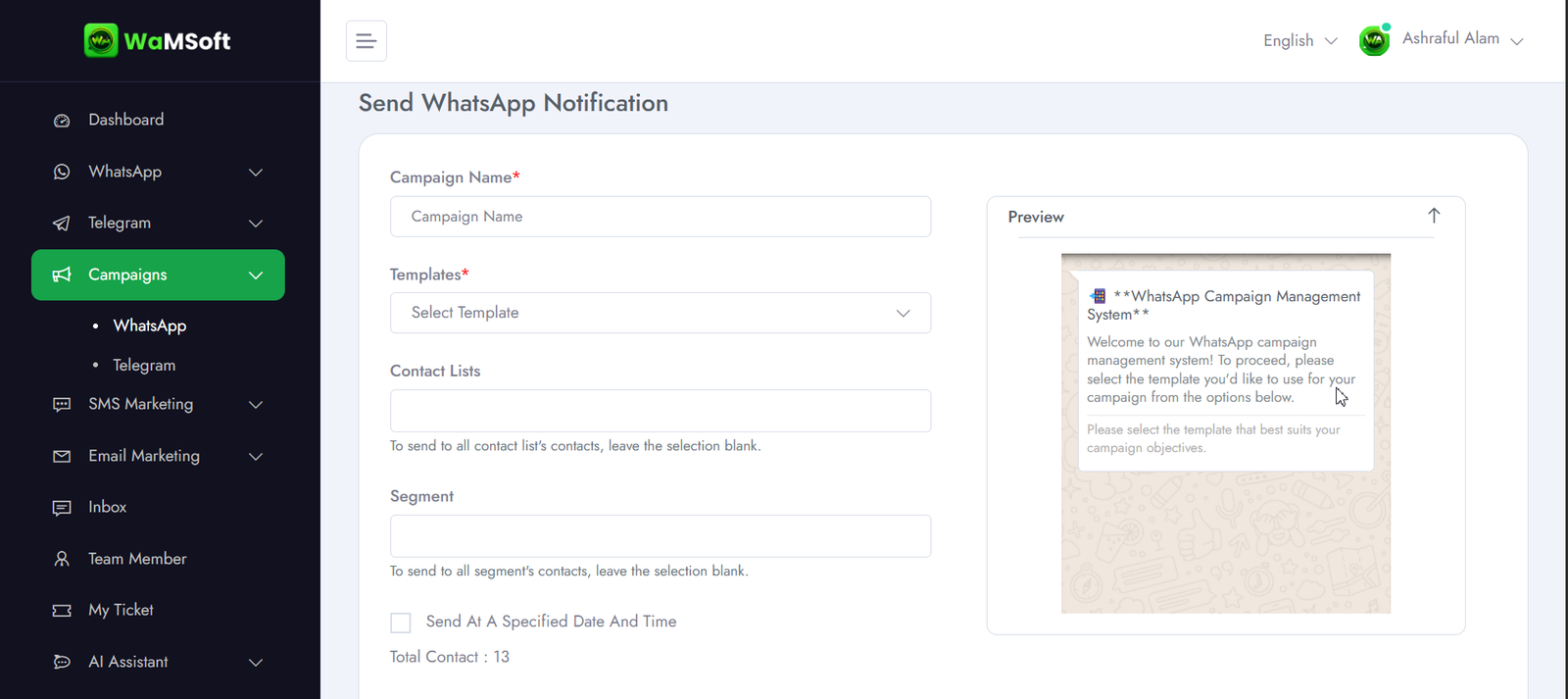
Create, schedule, and send campaigns to unlimited contacts across all four channels from a single dashboard. Personalize every message with smart variables.
- Send to unlimited contacts simultaneously
- Schedule campaigns in advance
- Personalized messages with contact variables
- Advanced audience segmentation
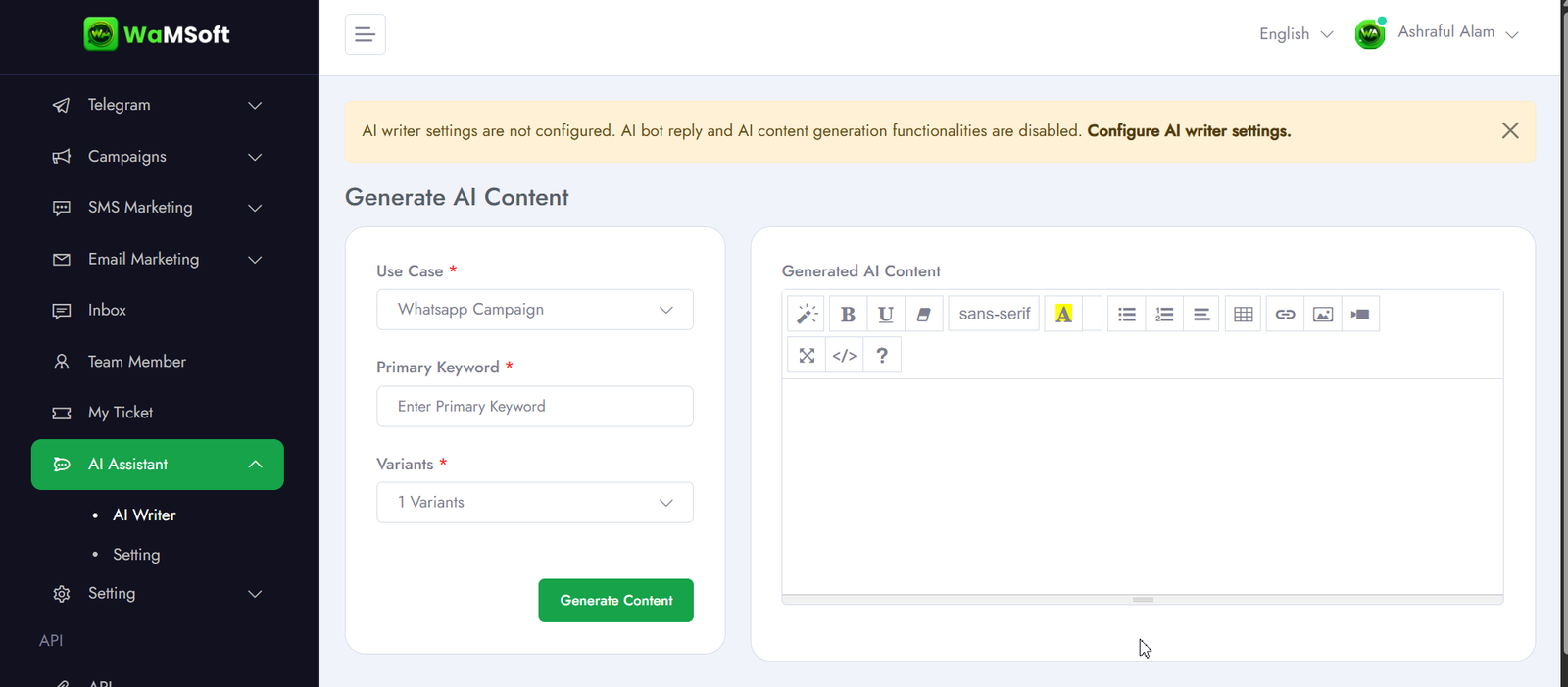
AI Chatbot & Visual Flow Builder
Set up intelligent chatbots that respond 24/7 — no coding needed. Build conversation flows visually and let AI handle routine queries automatically.
- Visual drag-and-drop flow builder
- AI-powered smart replies
- Keyword trigger automation
- Intelligent conversation routing
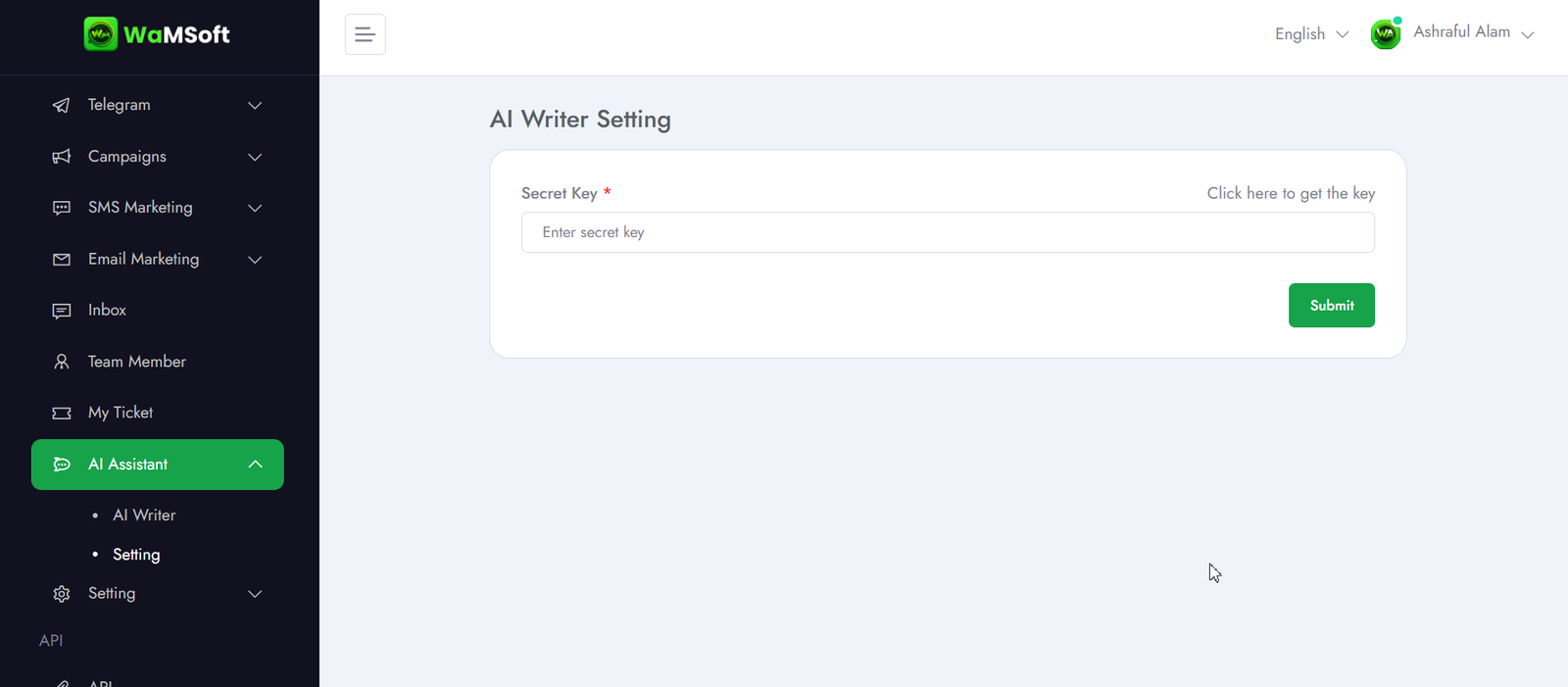
Built-In CRM & Contact Management
Manage all your customer data in one place. Import contacts, segment audiences, track interaction history, and sync with external CRM tools effortlessly.
- Import contacts from CSV / Excel
- Custom tags and labels
- Full conversation history per contact
- External CRM sync support
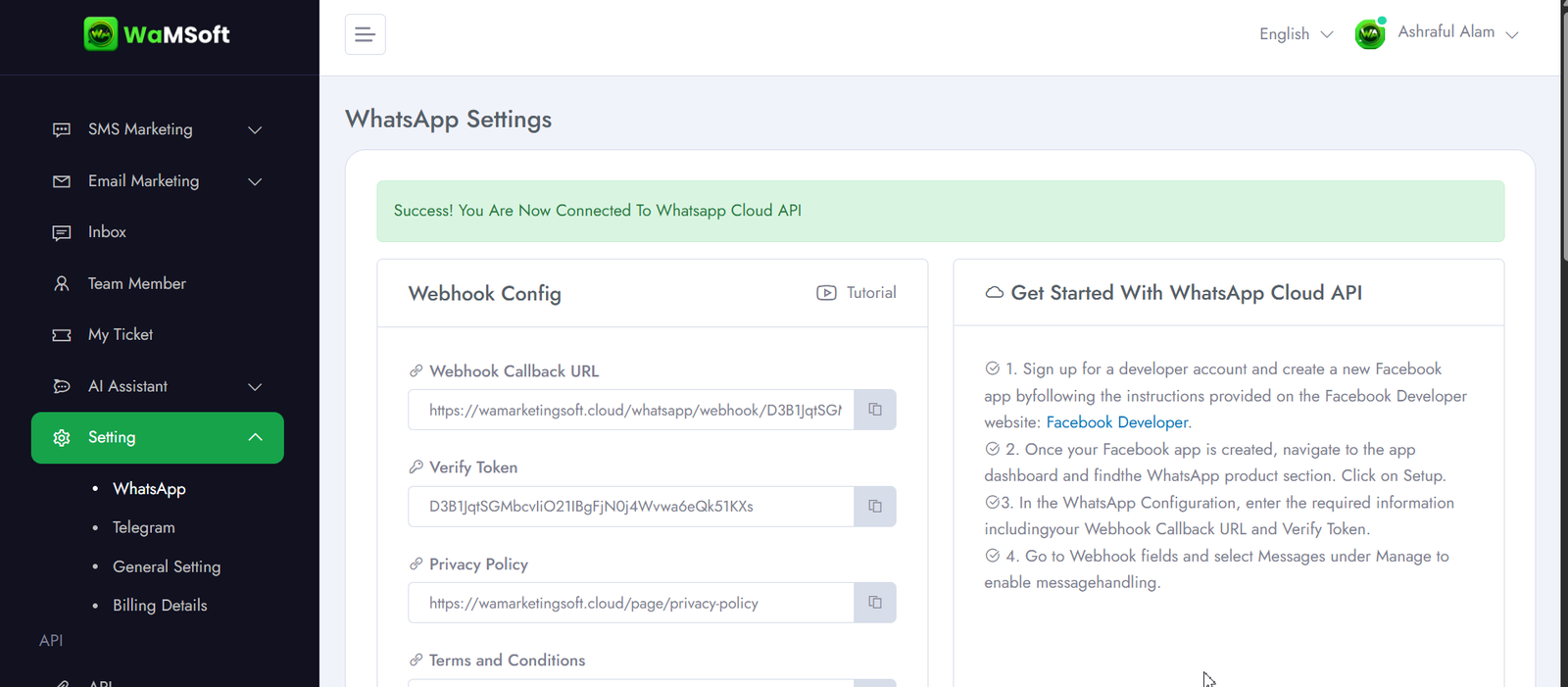
Team Inbox & Multi-Agent Support
Handle customer conversations as a team. Assign chats to agents, monitor response times, and deliver faster, more consistent support across all channels.
- Shared multi-agent inbox
- Smart chat assignment rules
- Agent performance tracking
- Internal notes & team mentions
Real-Time Analytics & Reporting
Track every campaign across every channel in real time. Measure delivery rates, open rates, replies, and conversions to make data-driven marketing decisions.
- Live campaign performance dashboard
- Delivery & read rate tracking
- Click & conversion reports
- Export reports (CSV / PDF)
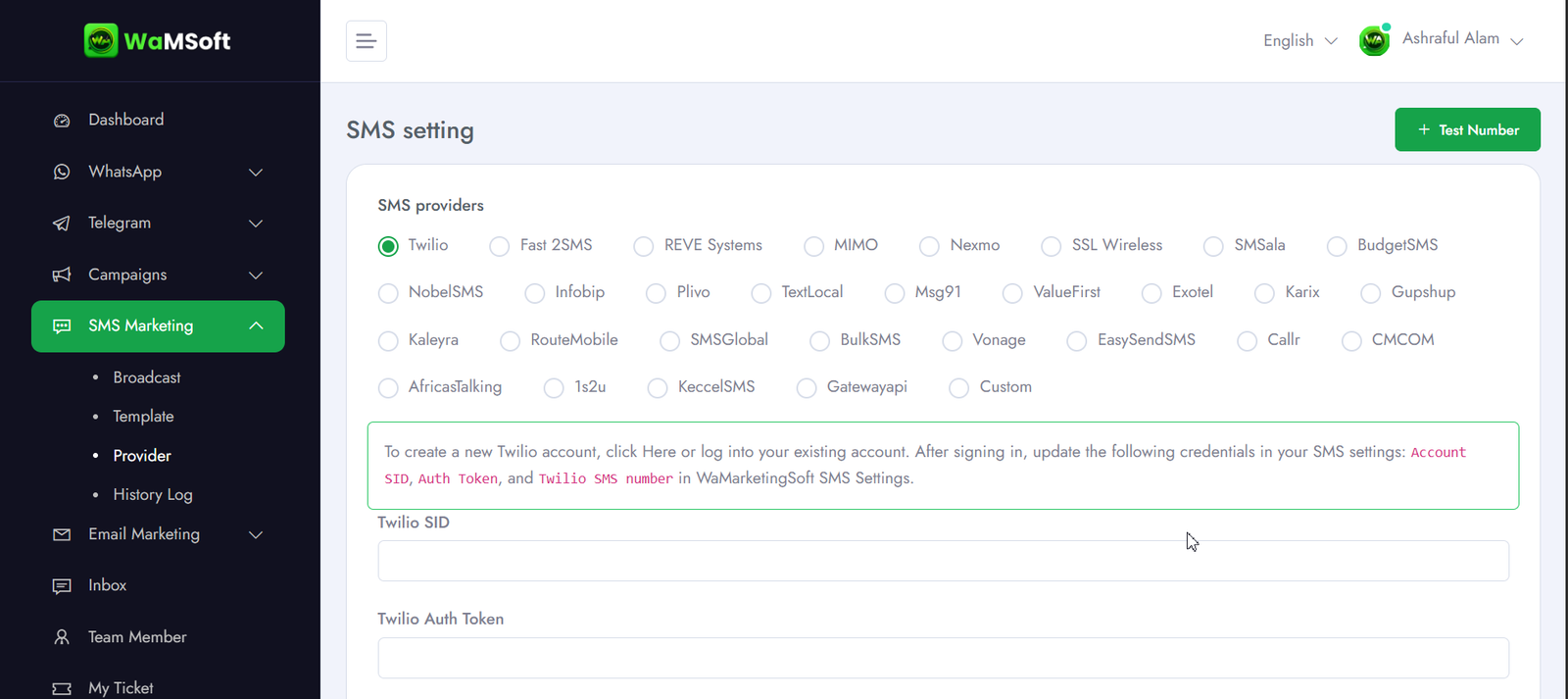
API, Webhooks & App Integrations
Connect WaMSoft with your existing tools. Full REST API, real-time webhooks, Zapier support, and native integrations with the most popular platforms.
- Complete REST API documentation
- Real-time webhook events
- Zapier & Make (Integromat) ready
- WooCommerce, Shopify, WordPress
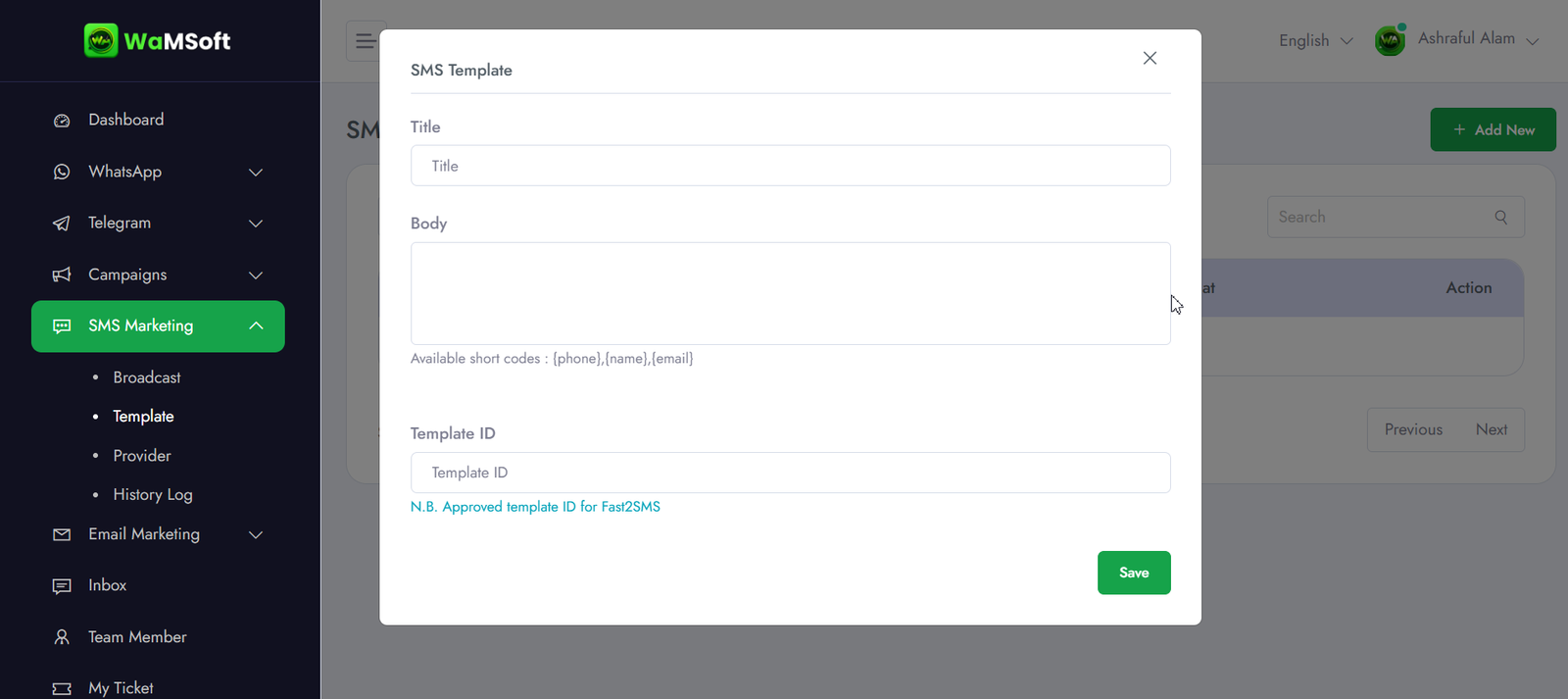
Message Templates & Rich Media
Send images, videos, documents, voice notes, and interactive buttons across all channels. Build from ready-made templates or create your own in minutes.
- WhatsApp-approved message templates
- Rich media — image, video, doc, audio
- Interactive reply buttons & lists
- Dynamic personalization variables
White-Label Reseller Panel
Offer WaMSoft under your own brand. Set your pricing, manage client accounts from one admin panel, and build a profitable recurring revenue business.
- Full white-label branding
- Set your own pricing plans
- Manage unlimited client accounts
- Build recurring monthly revenue
The Most Trusted
Marketing Platform
Businesses choose WaMSoft because it works — reliably, safely, and at scale.
Official Meta API
Direct integration with Meta's official WhatsApp Cloud API. No unofficial tools, no Chrome extensions, no QR scanning.
Zero Ban Risk
Official API compliance means your number stays safe. Scale your campaigns without ever risking a ban.
Unlimited Messaging
No caps on contacts or messages in the platform. Send to as many customers as your business demands.
4 Channels, 1 Dashboard
WhatsApp, Email, SMS, and Telegram — all unified. No switching apps, no duplicate contacts, no wasted time.
24/7 Support
Our team is available around the clock to help you set up, troubleshoot issues, and optimize campaigns.
Transparent Pricing
No hidden charges. No markup on Meta conversation costs. Pay only for the plan that fits your business.
Get Started in 4 Steps
From sign-up to sending your first campaign in under an hour.
Create Account
Sign up for WaMSoft. Connect your Facebook Business Manager with a single click.
Complete Setup
We configure your API, register your number, and submit message templates to Meta.
Add Your Channels
Connect WhatsApp, Email, SMS, and Telegram. Import contacts and set up your inbox.
Start Messaging
Launch campaigns, automate support, and grow your business safely and at scale.
What You Need to
Connect WhatsApp API
Before connecting to the official WhatsApp Cloud API, make sure you have these three things ready.
A Dedicated Phone Number
You need a phone number that is not already registered on WhatsApp or WhatsApp Business.
If you want to use your existing number, you must first delete your current WhatsApp account on that number completely, then register it fresh through the API.
💡 Recommended: Use a fresh, dedicated number for the best stabilityA Meta Business Portfolio Account
You must have a Meta Business Portfolio account (formerly Facebook Business Manager) linked to your Facebook profile.
If your Business Portfolio is Verified by Meta, you unlock much higher messaging limits — your daily limit jumps to 2,000 conversations within 24 hours of verification and continues to grow from there.
✅ Verified account = higher limits, faster scalingA Meta-Approved Payment Method
You must add a valid payment method to your Meta Business account. Meta bills you directly and separately for WhatsApp conversation fees — WaMSoft does not handle this billing.
Accepted: Visa, Mastercard, PayPal, and other Meta-approved payment methods depending on your country.
💳 Meta charges per conversation, not per messageUnderstanding Your WhatsApp Messaging Limits
Connecting the API doesn't immediately give you unlimited messages — limits increase as your account builds quality history.
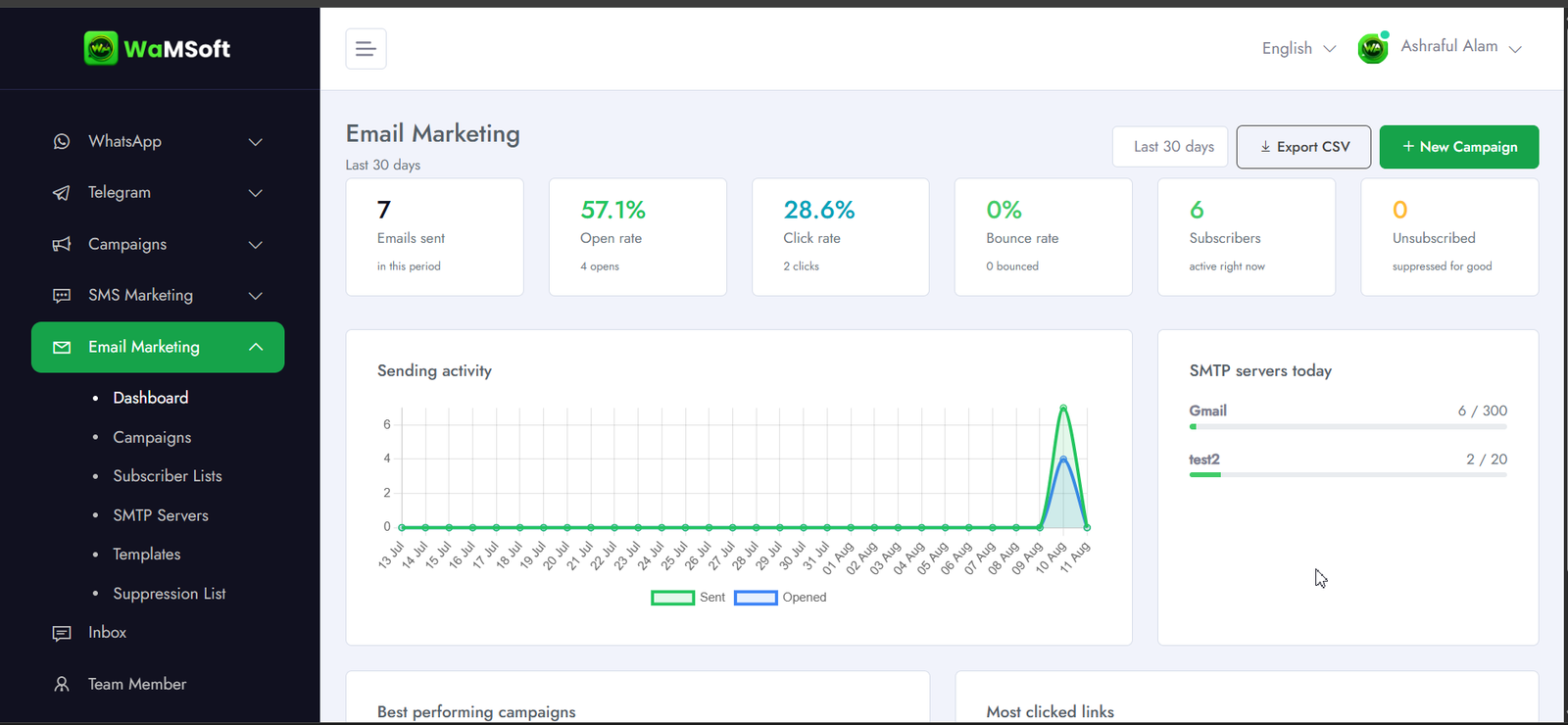
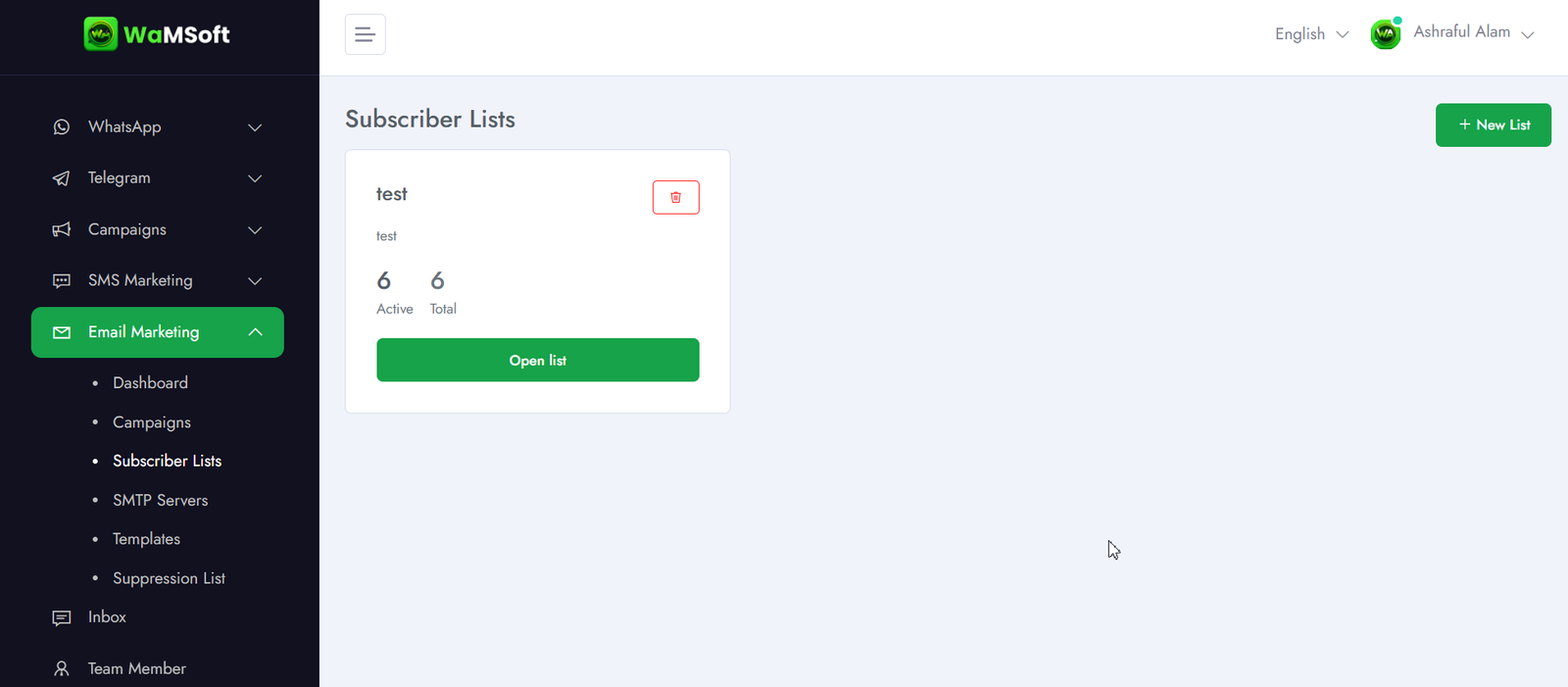
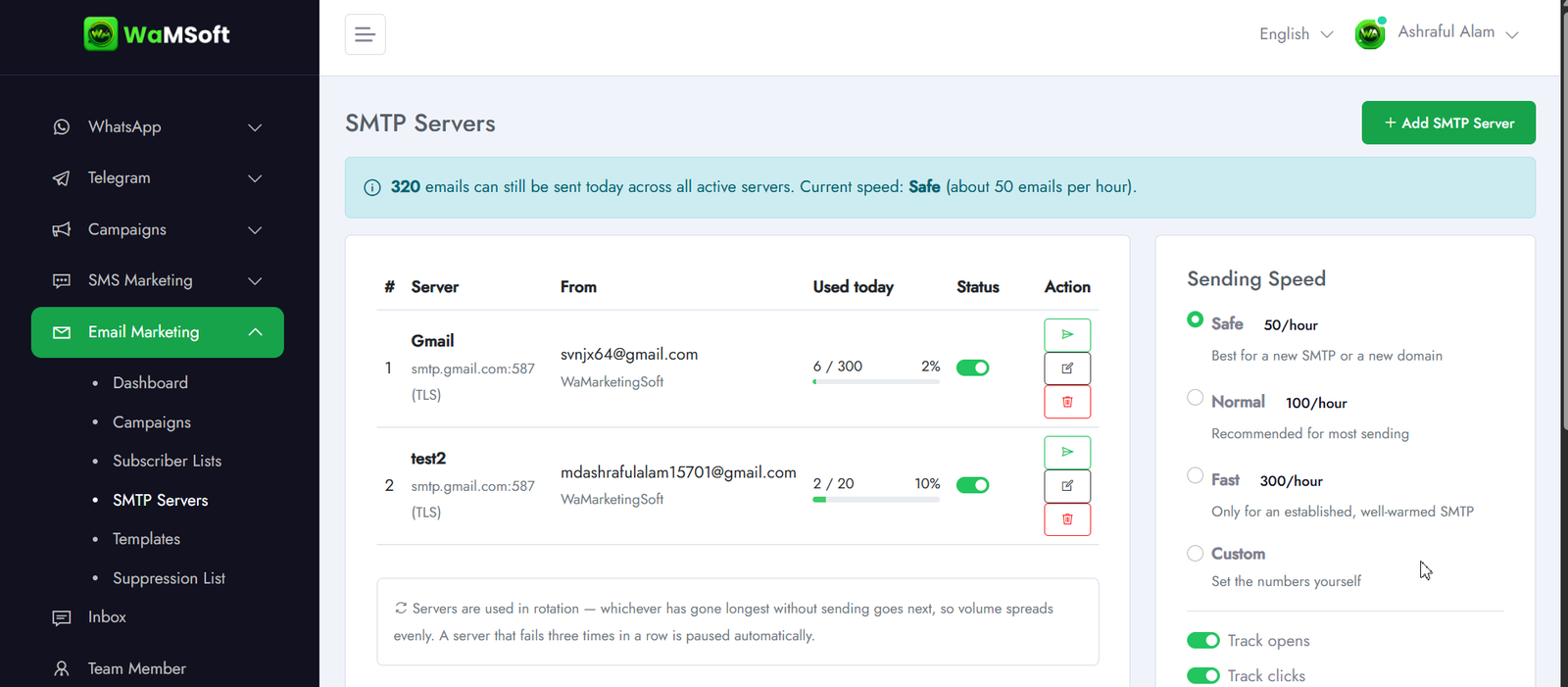
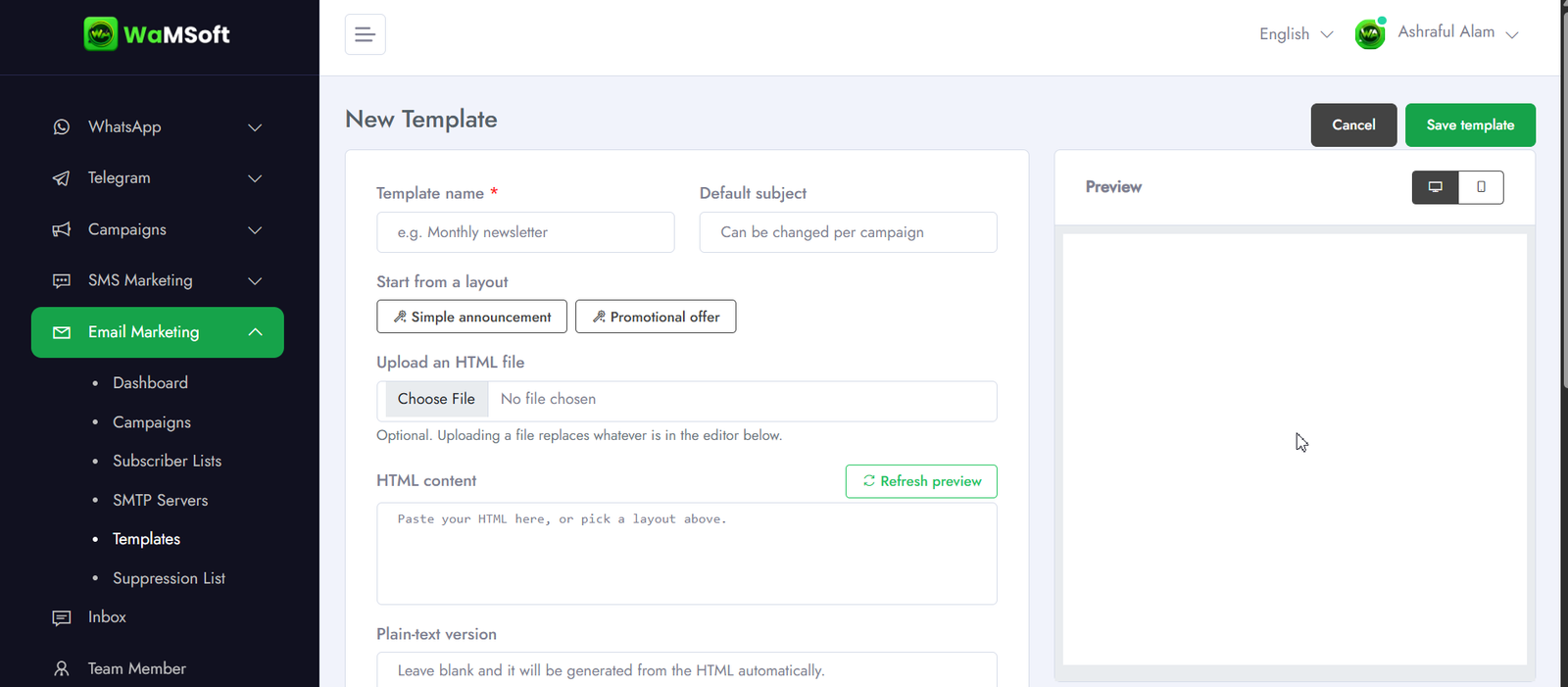
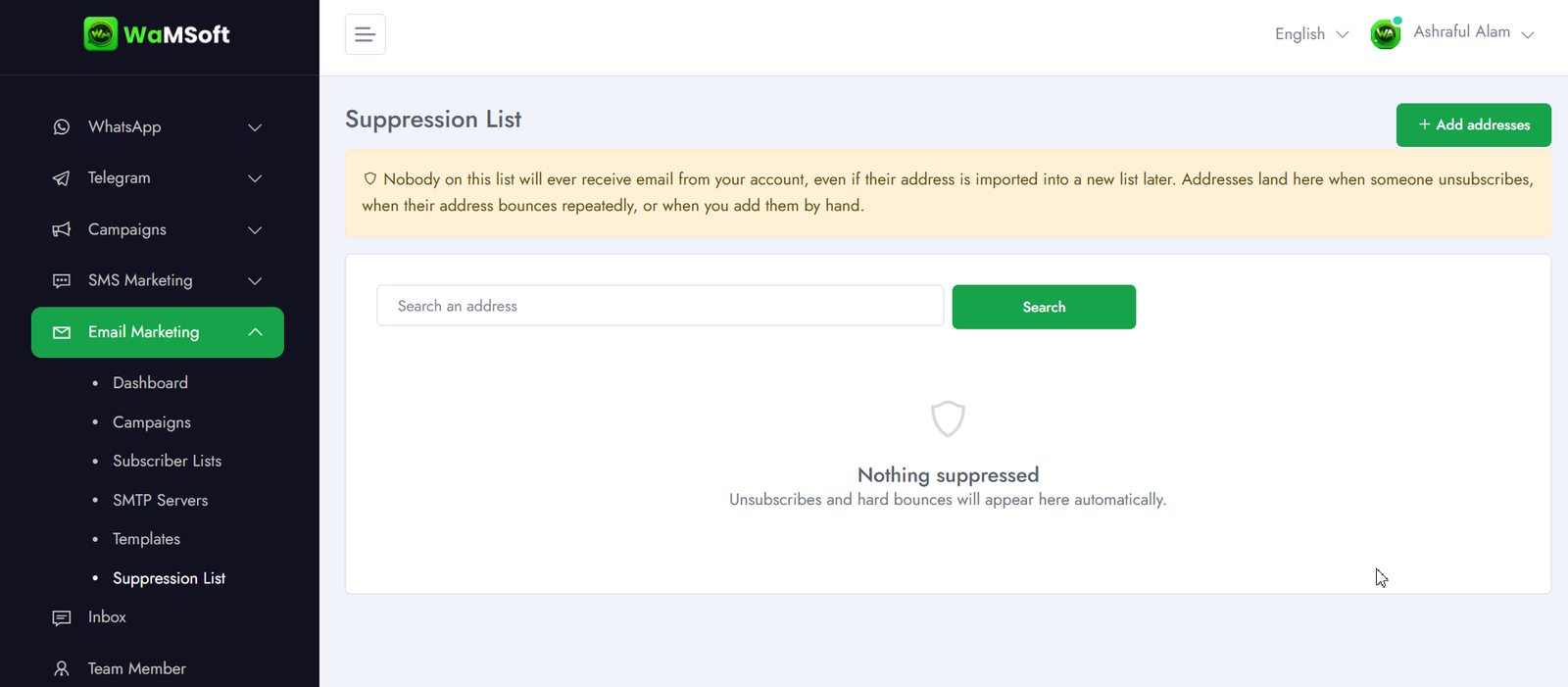
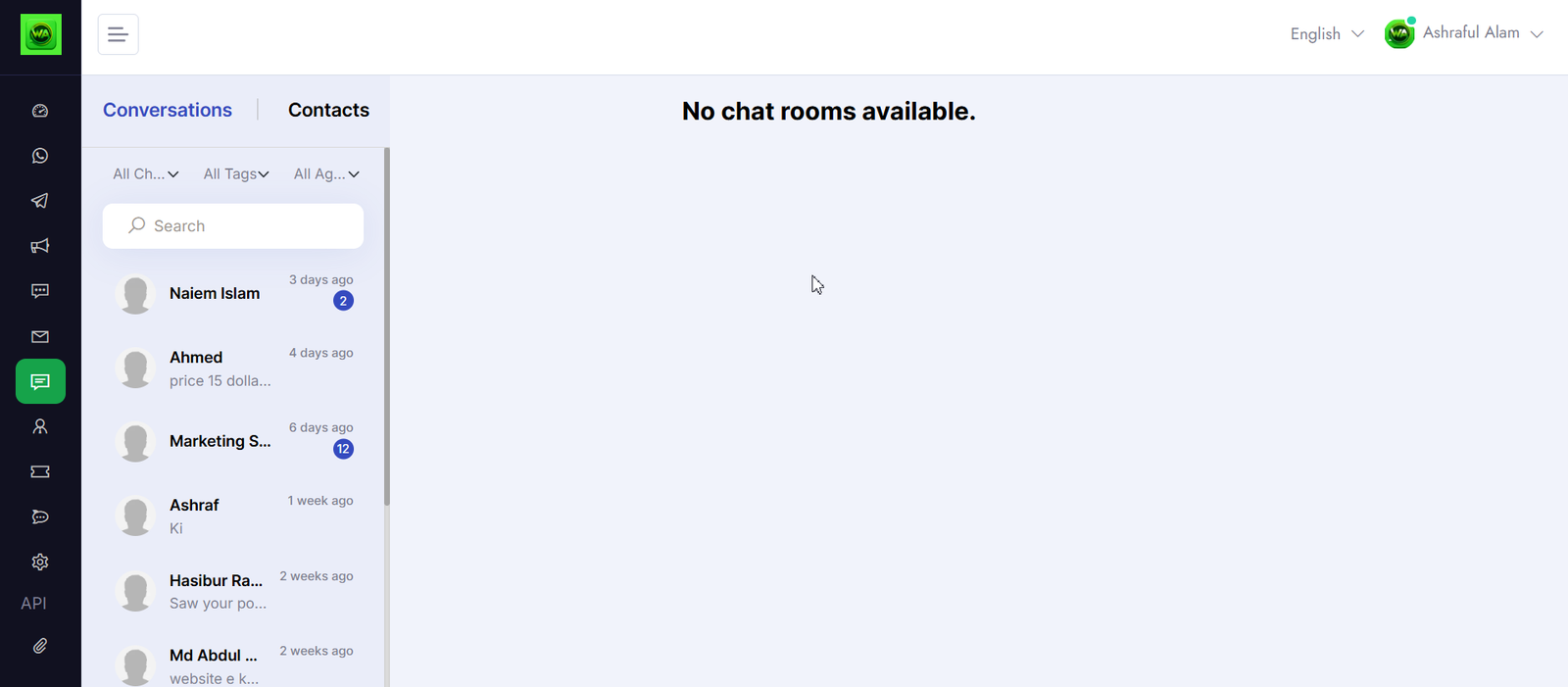
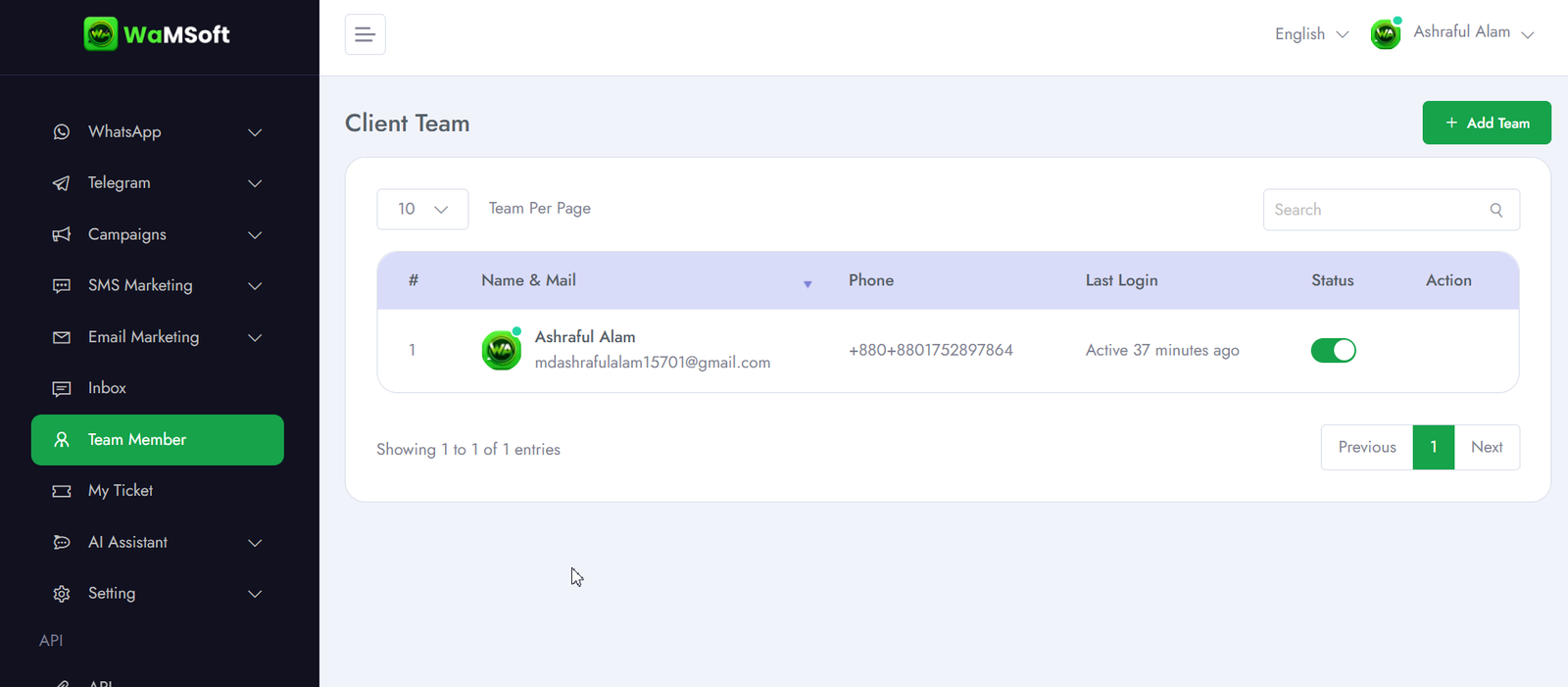
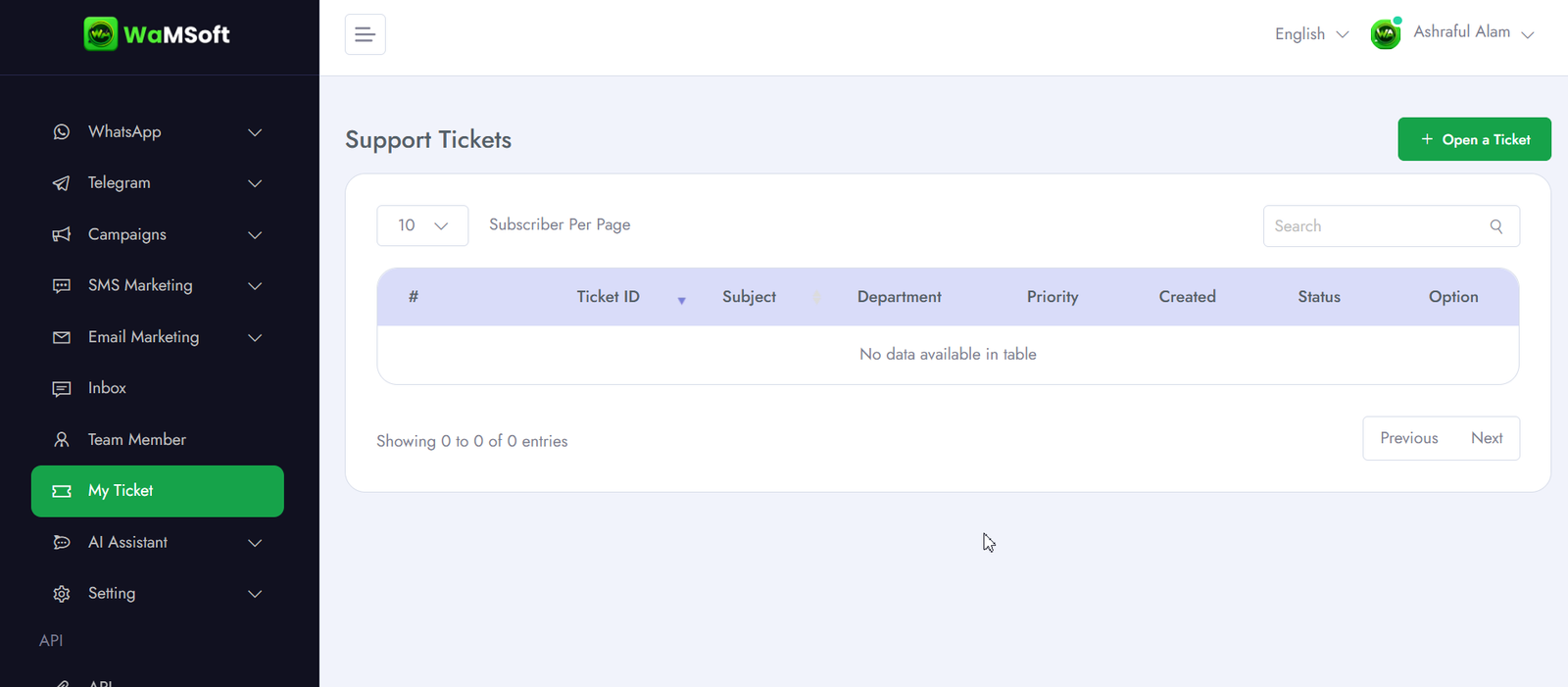
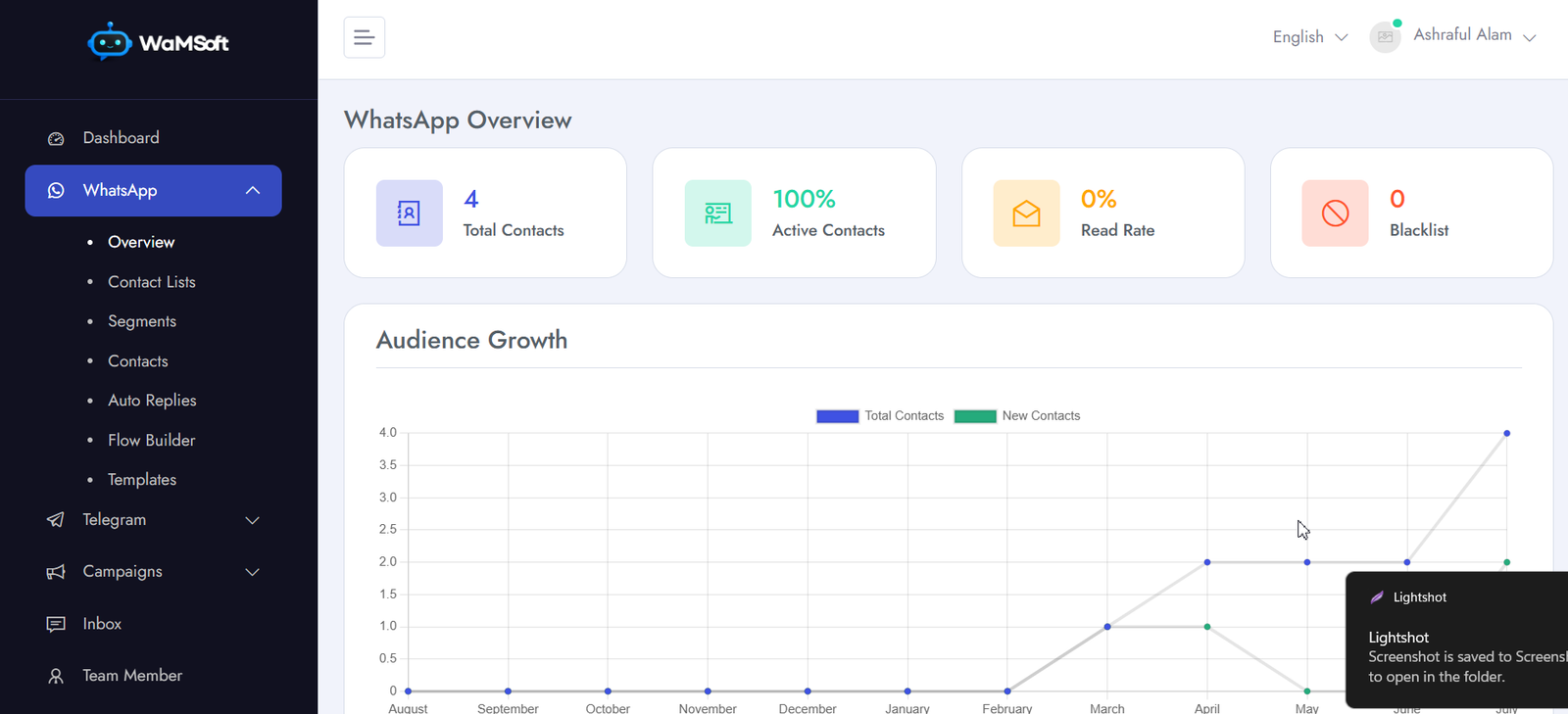
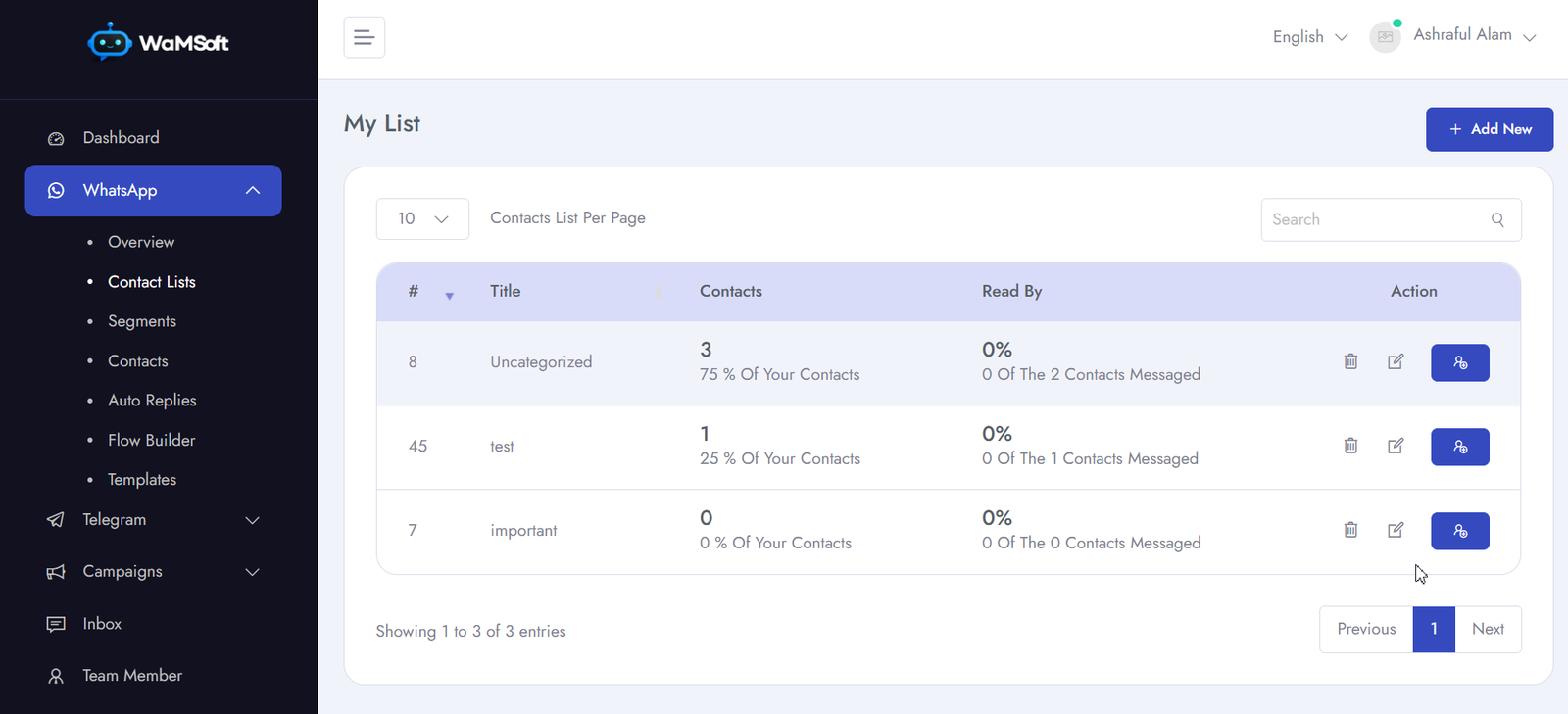
See WaMSoft in Action
A powerful, clean interface designed for marketers and support teams.
Simple, Transparent Pricing
No hidden charges. All plans include WhatsApp, Email, SMS & Telegram.
Free Trial
Test before you commit — 1 day full access
No credit card required
- All 4 channels (WhatsApp, Email, SMS, Telegram)
- Team members: 10
- Contacts: 100
- Campaigns: 2
- Conversations: 100
- Flow Builder: 10 flows
- Bot replies: 10
- Basic analytics
- Priority support
- API access
Monthly Plan
Best for growing businesses
Billed monthly · Cancel anytime
- All 4 channels (WhatsApp, Email, SMS, Telegram)
- Team members: 20
- Contacts: 10,000
- Campaigns: 100
- Conversations: 10,000
- Flow Builder: 100 flows
- Bot replies: 50
- Advanced analytics
- Priority support
- API + Webhook access
Yearly Pro
Maximum power for serious businesses
~$4.17/month · Billed annually
- All 4 channels (WhatsApp, Email, SMS, Telegram)
- Team members: 200
- Contacts: 1,000,000
- Campaigns: 1,000,000
- Conversations: 4,000,000
- Flow Builder: 1,000 flows
- Bot replies: 1,000
- Full analytics & exports
- Priority support
- API + Webhook + Zapier
WhatsApp API — One-Time Setup Fee
Our team handles your complete WhatsApp Business API configuration from start to finish.
What's Included
- WhatsApp Business API account verification
- Phone number registration with Meta
- Webhook & API endpoint configuration
- Message template creation & submission to Meta
- WhatsApp Business profile setup
- Initial send test & quality check
- Full handoff walkthrough with your team
Book Your Free Pre-Setup Call
Not sure where to start? Book a free 30-minute call with our WhatsApp API setup team. We'll walk you through requirements, check your Meta Business account, and answer all your questions — before you pay anything.
Book Free 30-Min CallNo obligation. No pressure. Just answers.
Trusted by 1,000+
Growing Businesses
Hear from marketers and business owners using WaMSoft every day.
"WaMSoft replaced four separate tools for us. WhatsApp, email, SMS and Telegram — all from one dashboard. Setup was fast and the support team is excellent."
"The AI chatbot saves our team hours every week. Automated replies handle 80% of customer queries on WhatsApp. The yearly plan is incredible value at just $50."
"Official Meta API means zero ban risk. We scaled from 500 to 50,000 contacts in 3 months without a single issue. WaMSoft is the only platform I trust."
Frequently Asked Questions
Everything you need to know before getting started.
How limits grow:
• Day 1: 250 conversations/day (standard start)
• If your Meta Business Portfolio is Verified: jumps to 2,000 conversations/day within 24 hours
• Over time with consistent quality: limit grows to unlimited
This limit comes from Meta, not WaMSoft. Our platform itself has no message caps.
Ready to Grow With
WaMSoft?
Join 1,000+ businesses already using WaMSoft to reach customers on WhatsApp, Email, SMS & Telegram — safely and at scale.