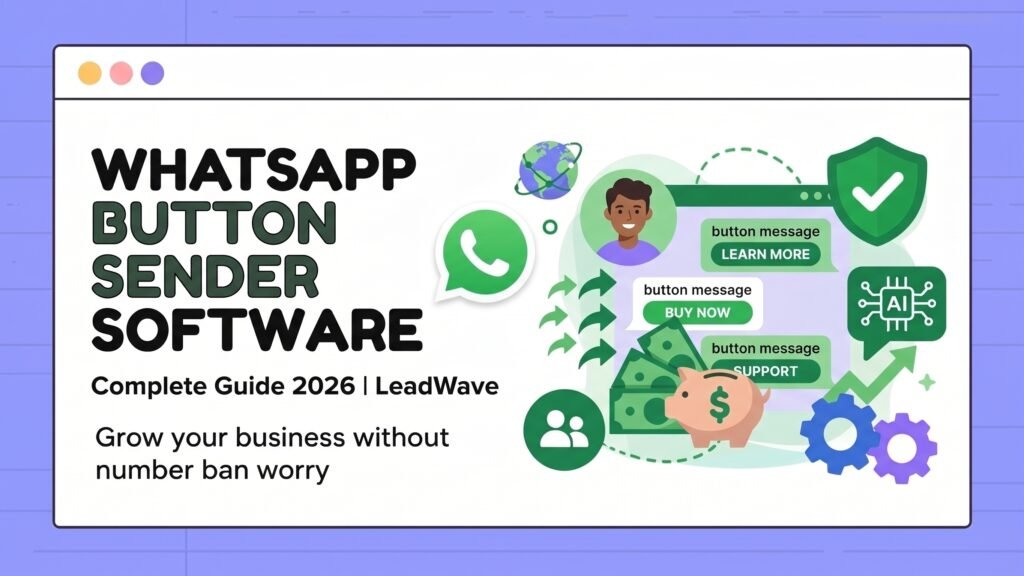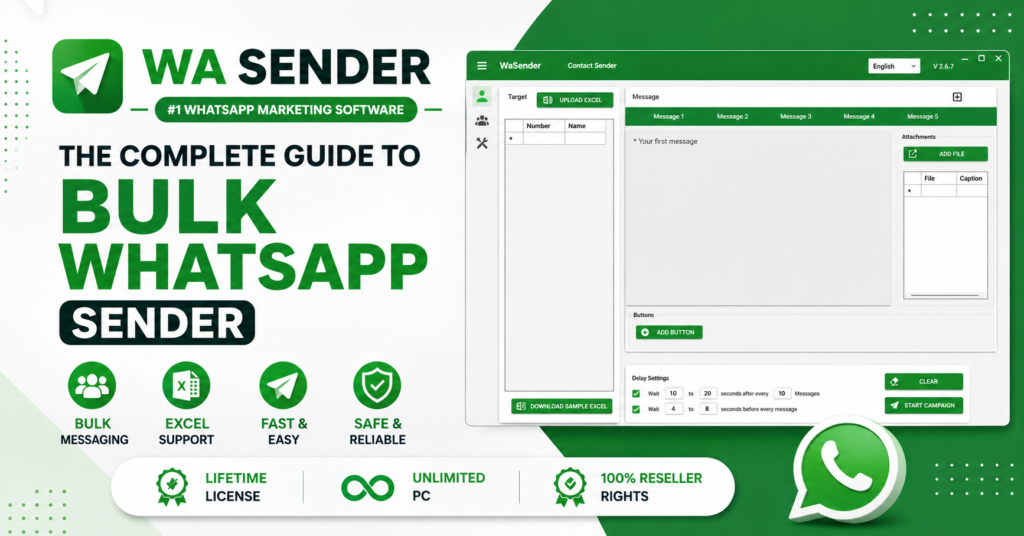
Has this happened to you? You send a promotional message to your customer list, and by the evening your WhatsApp number is banned. Or you spend your entire day replying to the same question — “what’s the price?” — and never get around to closing an actual sale.
Thousands of business owners face this every day. The reason is almost always the same: they’re using Chrome extensions or QR-login tools that operate outside WhatsApp’s rules. These tools work right up until they don’t, and when they fail, they take your business number with them.
There’s a safer path — the official WhatsApp Business Cloud API. This guide explains what it is, how it works, and what it can realistically do for your business.
What Is the WhatsApp Business API?
The WhatsApp Business API is Meta’s official platform that lets businesses send messages at scale, automate customer support, and run marketing campaigns through WhatsApp.
There are three versions of WhatsApp, and the differences matter:
| Type | Best for | Limitation |
|---|---|---|
| Standard WhatsApp | Personal use | Not built for business |
| WhatsApp Business App | Small shops, 1–2 person teams | No bulk messaging, limited automation |
| WhatsApp Business API | Growing businesses, agencies, e-commerce | Requires proper setup |
This guide focuses on the third one.
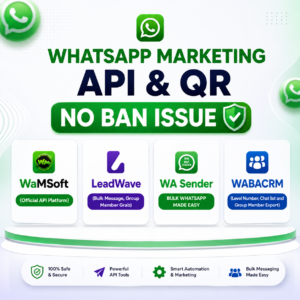
Why the Official API Is the Only Safe Route
Unofficial tools look appealing — install an extension and you’re messaging within minutes. The trade-off shows up later.
What happens with unofficial tools:
- They break WhatsApp’s terms of service, so a ban is always a possibility
- Message delivery is unpredictable
- Every WhatsApp update risks breaking the tool entirely
- Customers see an unverified number and trust you less
What the official Cloud API gives you:
- A direct, Meta-approved connection — compliant by design
- 95–98% delivery and read rates
- Your verified business name displayed to recipients
- The ability to message unlimited contacts
Think of it this way: unofficial tools are like driving without a licence. You’ll get where you’re going — until you’re stopped.
What You Can Actually Do With the API
1. Bulk WhatsApp campaigns that reach thousands in one click
New product launch? Seasonal offer? Send it to your entire customer list at once, with each message personalised by name. “Hi Rahim” performs dramatically better than a generic blast.
For context: email open rates hover around 20%. WhatsApp messages are opened more than 95% of the time. That gap is why businesses are moving their marketing here.
2. AI chatbots that answer at 3 a.m.
“What’s the price?” — how many times does that arrive each day? A chatbot answers instantly, even while you sleep.
When a question falls outside what the bot knows, the conversation is handed to your team. Simple queries get handled automatically; you focus on the ones worth your time.
3. A visual flow builder — no coding required
Drag and drop to design conversation journeys. A customer types “hi” and receives a welcome message with buttons: See pricing, View services, Talk to us. They tap instead of typing, and they get answers instead of waiting.
4. Shared team inbox for multi-agent support
Three sales agents can work from a single inbox. You’ll see who is handling which conversation and which chats are still unanswered. No more two agents replying to the same customer with different answers.
5. Built-in CRM and contact management
Segment customers into groups — new buyers, repeat buyers, people who browsed but never purchased — and send each group something relevant. Every customer’s history stays in one place.
6. Analytics that tell you what’s working
See how many messages were delivered, opened, and replied to. Knowing which campaign performed and which fell flat is what makes the next one better.
How to Get Started: 4 Steps
1. Create your account Sign up and connect your Facebook Business Manager in one click.
2. Verify your business Add your business details. We guide you through each requirement.
3. Register your number Add your WhatsApp Business number, verify by OTP, and activate API access.
4. Start messaging Build templates, launch campaigns, automate support.
Setup usually takes 30 minutes to an hour. Meta’s business verification typically completes within 24 hours.
WhatsApp API Pricing
| Plan | Price | What’s included |
|---|---|---|
| Free trial | Test before you commit | 100 contacts • 2 campaigns • 10 flows • Telegram included |
| Monthly | $15/month | 10,000 contacts • 100 campaigns • 20 team members • 100 flows |
| Yearly Pro | $50/year | 1,000,000 contacts • 200 team members • 1,000 flows • 4M conversations |
The yearly plan saves 72% compared to paying monthly — roughly $4 per month.
An optional one-time setup service ($20) covers API configuration, number registration with Meta, webhook setup, template approval guidance, and initial testing.
A note on Meta’s charges: Meta bills per conversation, and rates vary by country. Replies sent within 24 hours of a customer’s message are free. We don’t add any markup to Meta’s rates.
Frequently Asked Questions
Can my WhatsApp number still get banned?
Not through normal use of the official API. You’re messaging through Meta’s own infrastructure rather than working around it, which removes the main cause of bans.
That said, compliance is a shared responsibility. If you repeatedly send promotional messages to people who never opted in, recipients will block and report you — and your quality rating will drop. The API gives you a safe road; you still have to drive sensibly.
Can I really send unlimited messages?
There’s no cap on how many contacts you can reach. Meta does apply a daily conversation limit that resets every 24 hours. New accounts start with a lower tier, and Meta raises your limit automatically as your quality rating stays healthy.
Can I use my existing WhatsApp number?
You can — but we recommend a dedicated number for the API. Once a number is registered with the API, it can no longer be used in the regular WhatsApp or WhatsApp Business app. Registering your personal contact number is a decision that’s difficult to reverse.
Do I need programming knowledge?
No. We handle the technical setup. Running campaigns and building chatbots happens through a visual dashboard with no code involved.
If you do have a development team, a REST API and webhooks are available for custom integrations.
What are message templates, and why do I need them?
If a customer hasn’t messaged you in the last 24 hours, you can’t send them free-form text — you need a Meta-approved template. This is Meta’s spam protection.
Template approval usually takes a few hours to a day. We help draft and submit them so they’re approved on the first attempt.
Can I integrate this with my website or existing software?
Yes. WordPress, WooCommerce, Shopify, and most CRM platforms are supported, along with Zapier. A common setup: a customer places an order and automatically receives a WhatsApp confirmation.
Can I manage Telegram from the same dashboard?
Yes. WhatsApp and Telegram campaigns, chatbots, and contacts all live in one unified panel.
What kind of support do you provide?
24/7 support via chat, email, and phone — covering setup, troubleshooting, and campaign optimisation.
Can I test it before paying?
Yes. The free trial covers bulk messaging, chatbot automation, and campaign tools. Upgrade only once you’re satisfied.
What payment methods do you accept?
Bank transfer, mobile financial services, and international options including Binance Pay and major cryptocurrencies (crypto payments receive a 10% discount).
Which Businesses Benefit Most
E-commerce and online stores — order confirmations, delivery updates, abandoned cart recovery
Restaurants and food delivery — menus, order taking, daily specials
Real estate — new listings, viewing appointments, follow-ups
Educational institutions — admissions information, class schedules, results
Clinics and healthcare — appointment reminders, report notifications
Digital agencies — managing campaigns for multiple clients from one dashboard
Final Thoughts
WhatsApp has become one of the highest-converting sales channels available, and businesses adopting it properly are pulling ahead of competitors still relying on email and cold calls.
The important word there is properly. Starting with a risky unofficial tool and losing your number later costs far more than setting things up correctly from day one.
Ready to start?
🌐 Free trial: wamarketingsoft.cloud 📱 WhatsApp: +880 1752-897864 📧 Email: support@wamarketingsoft.com 📅 Book a free 30-minute consultation: Schedule a call
WaMSoft — Official WhatsApp Business API platform. Dhaka, Bangladesh.