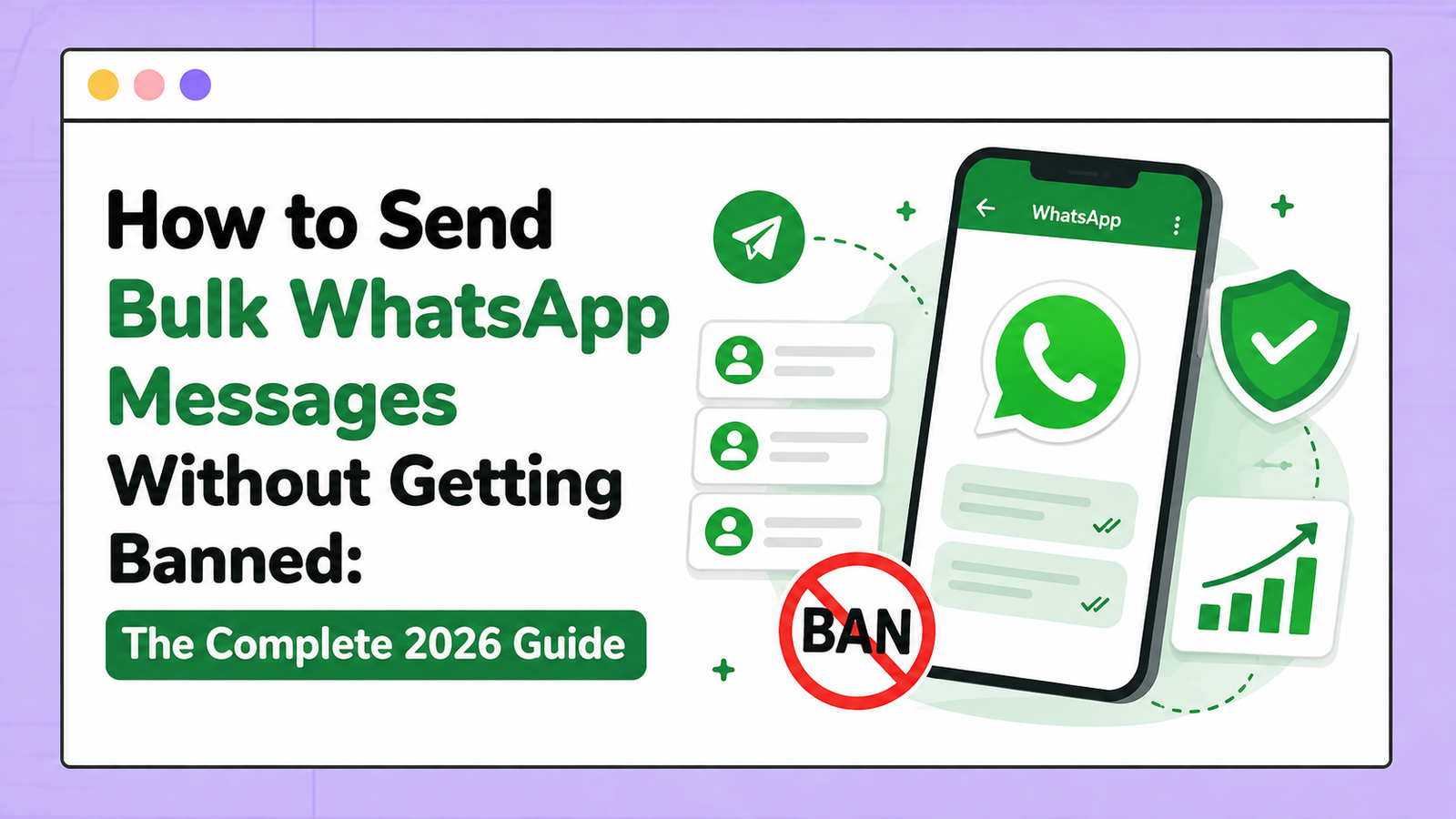
You cannot make a WhatsApp number ban-proof, but you can lower the risk a great deal. Use a separate number, warm it up for about 30 days, message only people who agreed to hear from you, add random delays, and keep your reply rate healthy. If you need full compliance, use the official WhatsApp Business API.
Every week someone messages us with the same story. They bought a new SIM, loaded 5,000 numbers, pressed send, and lost the number before lunch. Almost every one of those bans was avoidable.
This guide explains how WhatsApp decides who to restrict and what to do about it. It is written for small businesses, agencies and resellers who send bulk messages from a desktop tool.
A note on who is writing: WaMarketingSoft sells bulk WhatsApp software (WA Sender and LeadWave) and an official API platform (WaMSoft). We earn money when you buy them, so we have tried to be plain about what each one can and cannot do.
Why WhatsApp bans numbers in the first place
WhatsApp was built for private conversations, and its terms do not allow automated or bulk messaging through the normal app. Enforcement is automated. The system does not read your offer and decide whether it is good. It looks at how the number behaves.
WhatsApp does not publish its thresholds. These are the signals that matter most in our experience:
- Sending speed. Hundreds of messages a minute from one number does not look like a person typing.
- Replies. People answer messages they wanted. A campaign that nobody answers looks like spam.
- Blocks and reports. This is the strongest signal. A handful of reports in a short time can end a new number.
- Account age. A number registered yesterday has no history, so every message is judged more strictly.
- Saved contacts. Messaging people who have your number saved is safer than messaging strangers.
- Repeated content. The same text and the same link sent to everyone is easy to detect.
No single signal decides the outcome. They add up, which is why two people sending the same volume can get different results.
The three levels of WhatsApp restriction
| Level | What you see | What to do |
|---|---|---|
| Temporary restriction | A warning or a timer. You can reply to chats but cannot start new ones for hours or days. | Stop all campaigns. Use the number normally for at least a week before sending again. |
| Ban with appeal | “This account can no longer use WhatsApp”, with a button to request a review. | Request the review once and describe your use honestly. Do not send repeated appeals. |
| Permanent ban | The review is rejected or no review is offered. | The number is gone for WhatsApp. Start again with a new number and a proper warm-up. |
A temporary restriction is a warning. Most permanent bans we see came after someone ignored one and kept sending.
Know which kind of tool you are using
There are two ways to send bulk WhatsApp messages, and they carry very different risk.
| QR-based desktop software | Official WhatsApp Business API | |
|---|---|---|
| How it connects | You scan a QR code, like WhatsApp Web | Through Meta’s Business Platform |
| Allowed by WhatsApp’s terms | No. Automated bulk sending from the app is against the terms | Yes |
| Cost | One-time licence, no per-message fee | Meta charges for template messages, plus platform fees |
| Volume | No official limit. The number’s health decides | Starts at 250 unique users per 24 hours, then 2,000, 10,000, 100,000 and unlimited |
| Message content | Anything you type | Templates approved by Meta |
| Ban risk | Real, and it is your job to manage it | Low if you keep quality high |
Tools like WA Sender and LeadWave are QR-based. They suit small businesses and agencies that want low cost and are willing to follow the rules in this guide. Smart delays, batch sending and gradual volume increase reduce the risk. They do not remove it.
The official API suits established brands, larger lists and teams with several agents. On the API, limits are set for the whole business portfolio and shared by all its numbers. A new portfolio starts at 250 and can reach 2,000 after business verification, according to Meta’s messaging limits documentation. If that is what you need, see WaMSoft, our official WhatsApp Business API platform.
The rest of this guide is for QR-based sending, where the risk sits with you.
Number warming: the step almost everyone skips
A new number has no history, so WhatsApp treats sudden volume from it as suspicious. Warming means building normal activity first and raising volume slowly. Plan for about 30 days.
Before day 1, set a profile photo, business name and description. Save your real contacts and ask a few of them to message you first.
| Days | Messages per day | Delay between messages | What to do |
|---|---|---|---|
| 1 to 3 | 5 to 10 | Send by hand | Chat with people you know. Get replies. |
| 4 to 7 | 20 to 30 | Send by hand, or 60 to 120 seconds | Mix text, images and voice notes. Vary the hours you are active. |
| 8 to 14 | 50 to 80 | 30 to 60 seconds | First small campaigns, opted-in contacts only. |
| 15 to 21 | 100 to 200 | 30 to 60 seconds | Watch replies and blocks after every batch. |
| 22 to 30 | 300 to 500 | 20 to 40 seconds, randomised | Send in batches with a break between them. |
After day 30, treat 300 to 500 a day as a normal working range for one number. Go higher only while replies stay healthy and reports stay close to zero. If a campaign gets a warning, drop back a stage.
These figures are our working ranges from supporting customers. They are not limits published by WhatsApp, and there is no fixed daily number that is guaranteed safe.
Ten rules that lower ban risk
- Keep your main business number out of campaigns. Customers call it and it is printed on your cards. Run campaigns from a separate number.
- Message only people who opted in. Customers, enquiries and sign-ups are fine. Bought and scraped lists are how most numbers die.
- Use random delays. Keep at least 20 to 40 seconds between messages, and never a fixed interval.
- Personalise every message. Use the name and one relevant detail, and rotate three or four versions of the text.
- Give people a way out. End with a line such as “Reply STOP to opt out”, and remove those contacts the same day.
- Send at reasonable hours. Stay inside working hours in the recipient’s time zone.
- Watch your reply rate. As a rule of thumb, if fewer than about 5 in 100 people reply, the list or the message is the problem. Fix it before you send more.
- Write like a person. Avoid all capitals, heavy punctuation, shortened links and “free, urgent, winner” wording.
- Clean the list before every campaign. Remove invalid numbers, duplicates and anyone who opted out.
- Spread volume across warmed numbers. Three numbers at 300 a day are safer than one number at 900.
If you only follow two of these, make them rules 2 and 3. Our sending guidelines cover the same points for day-to-day use.
What to do if you have already been restricted
- Stop sending at once. Pause every campaign on that number, including scheduled ones.
- Find the cause. Look at the last campaign: a new list, a jump in volume, a short delay, or the same text sent to everyone.
- Use the number normally for a week. Reply to chats and talk to saved contacts. Send no campaigns.
- Request a review if WhatsApp offers one. Do it once and describe your use honestly.
- Start warming again from the first stage. A recovered number is watched more closely than a new one.
If the number is banned permanently, do not move the same list and the same message to a new SIM. Fix the cause first, or the new number will go the same way.
Frequently asked questions
How many WhatsApp messages can I send per day without getting banned?
There is no fixed safe number. On a number warmed for 30 days, 300 to 500 a day is a sensible working range. A new number should start at 5 to 10 a day.
Does bulk messaging software automatically get you banned?
No. Numbers are restricted for how they behave: speed, reports, low replies and repeated content. The software does not decide that. Your list and your settings do.
Can a banned WhatsApp number be recovered?
Sometimes. A temporary restriction ends by itself. A ban that offers a review can be reversed in some cases. A permanent ban is final.
Is the official WhatsApp API completely ban-proof?
No. Meta rates message quality on the API too, and it can lower your limit or disable an account that gets many blocks and reports. The risk is much lower because you are working inside the rules.
How long does number warming take?
About 30 days. A number with real chat history can sometimes be ready in two weeks, but rushing is the most common reason warming fails.
Do delays between messages really matter?
Yes. Sending speed is one of the clearest signs of automation. Use random delays of at least 20 to 40 seconds.
Should I use my personal number for business campaigns?
No. If it is restricted you lose your personal chats and groups as well. Use a separate number.
Does a verified business badge prevent bans?
No. Verification builds trust with customers and raises limits on the official API. It does not protect a number that people report as spam.
The honest summary
No tool and no setting can promise that a number will never be banned. What you control is how the number behaves: a separate number, a 30-day warm-up, opted-in contacts, random delays and messages people want to answer. Do those and most bans never happen.
If you want to send from your desktop, try WA Sender on the free trial and apply this guide from day one. If you sell software to clients, the WA Sender reseller panel lets you issue licences yourself, and this guide is worth sharing with every client. If you need the official route, ask us about WaMSoft.